

Setup Your MailGreet Account
Follow these simple steps to create your MailGreet account and get ready to start your email marketing journey.Create Your Account
1
Visit MailGreet
Go to the MailGreet website and click the Sign up free button at the top of the page.
2
Enter Your Details
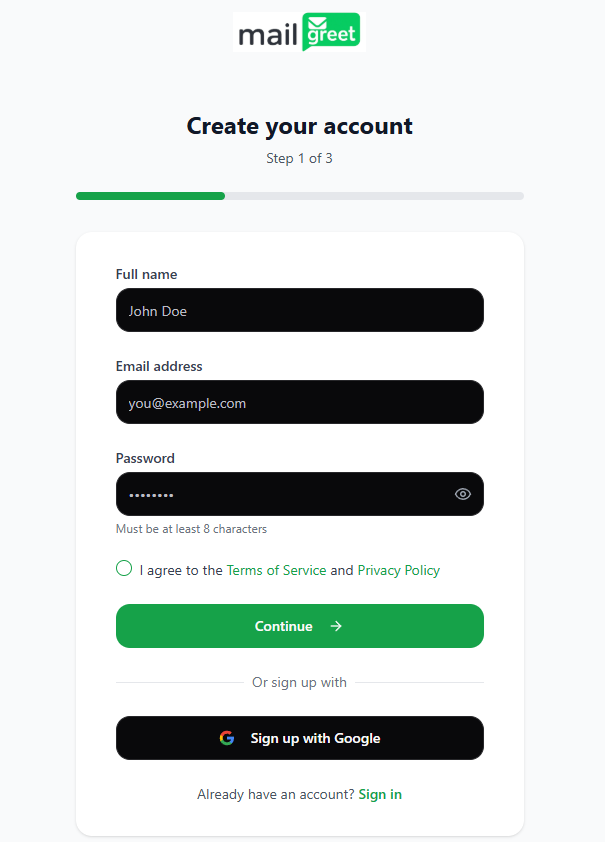
Under the Create your account form: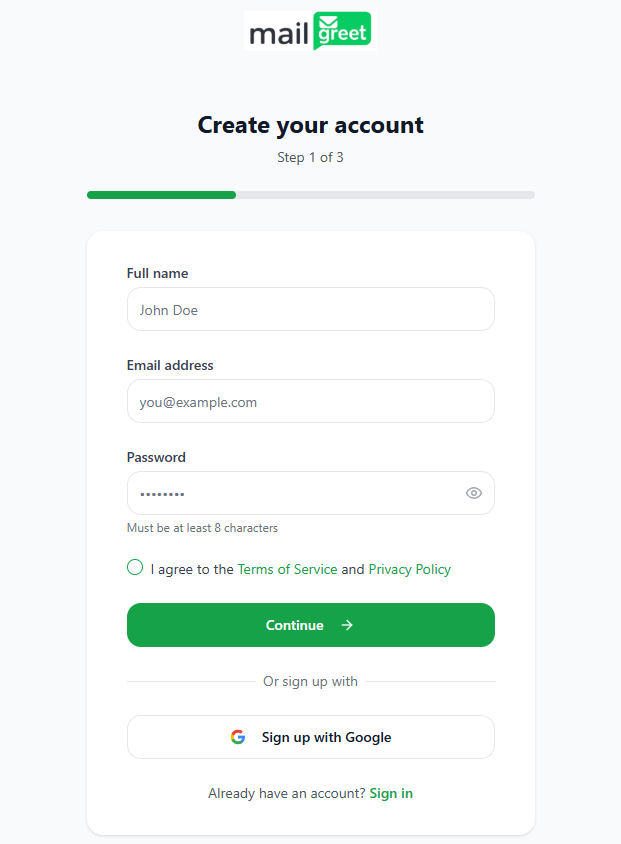
- Enter your Full name
- Enter your Email address
- Create a secure Password
- Accept the Terms of Service and Privacy Policy
- Click Continue
3
Tell Us About Your Business
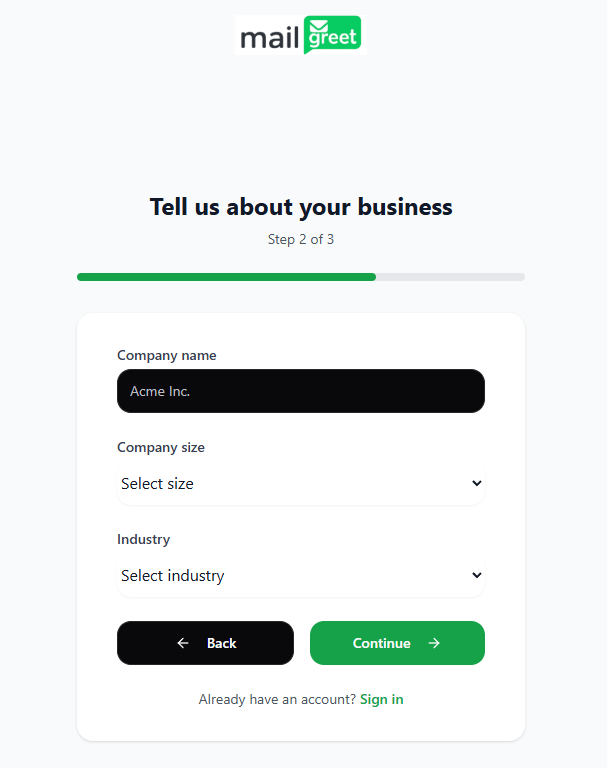
On the Tell us about your business form: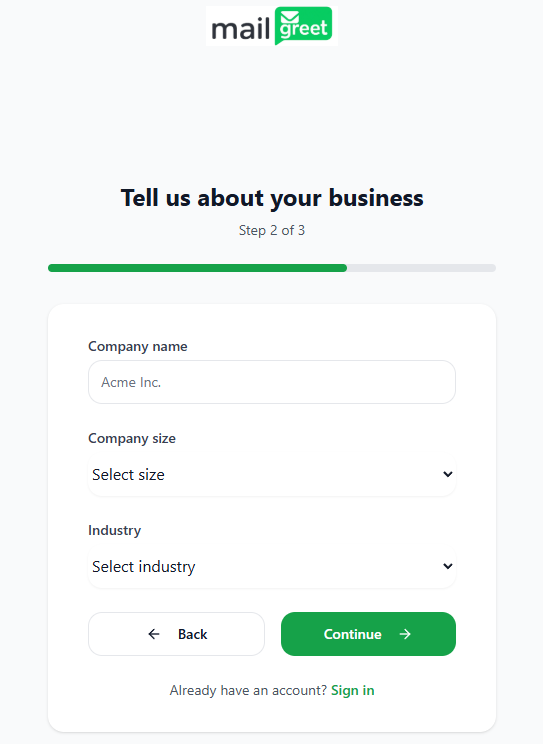
- Enter your Company name
- Select your Company size from the dropdown
- Choose your Industry from the dropdown
- Click Continue
4
Set Your Goals
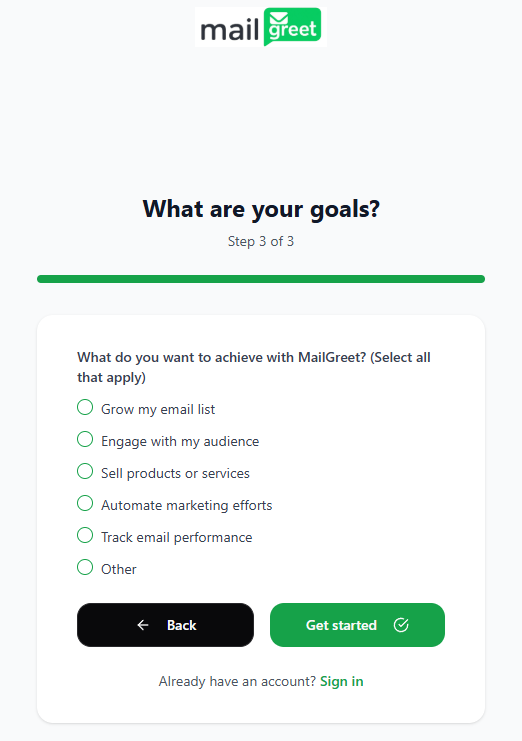
On the What are your goals? form: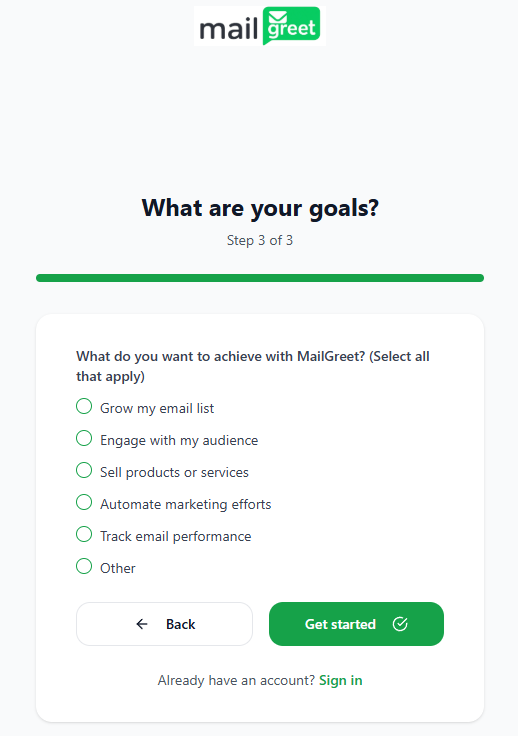
- Select one or more options for what you want to achieve with MailGreet
- Click Get started
Confirm Your Email
After completing the signup:
- Check your email inbox for a confirmation message from MailGreet
- Click the Confirm your email link in the email
- You’ll be redirected to your new MailGreet dashboard
Alternative Sign-Up Method
What’s Next?
Your account is now ready! Here’s where to go from here:Quick Start Guide
Learn the basics and send your first email campaign in minutes
Add Subscribers
Import or add your contacts to start building your audience
Email Templates
Explore pre-designed templates or create your own custom designs
Create Campaign
Design and send your first email marketing campaign
Need Assistance?
Email Support
Can’t access your dashboard? Reach out to our support team for help.
Documentation
Browse our complete documentation for detailed guides on every feature.