

What Are Credits in MailGreet?
- 1 credit is used for each email or phone number verification.
- For bulk verifications, the number of credits used equals the number of entries processed. For example, verifying 1,000 emails or phone numbers will consume 1,000 credits.
Note: For single or multiple email or phone verification, whether you provide valid or invalid emails or phone numbers. 1 credit will be used per single verification and for bulk verification, respective multiple credits will be used.
Note: When new subscribers are added, then the email is verified automatically upon signup. This verification does not consume 1 credit.
- When you first signup as a FREE USER, then there are 0 credits available for Free User Account.
Purchase Credits
To purchase credits:-- Navigate to the Buy Credits page.
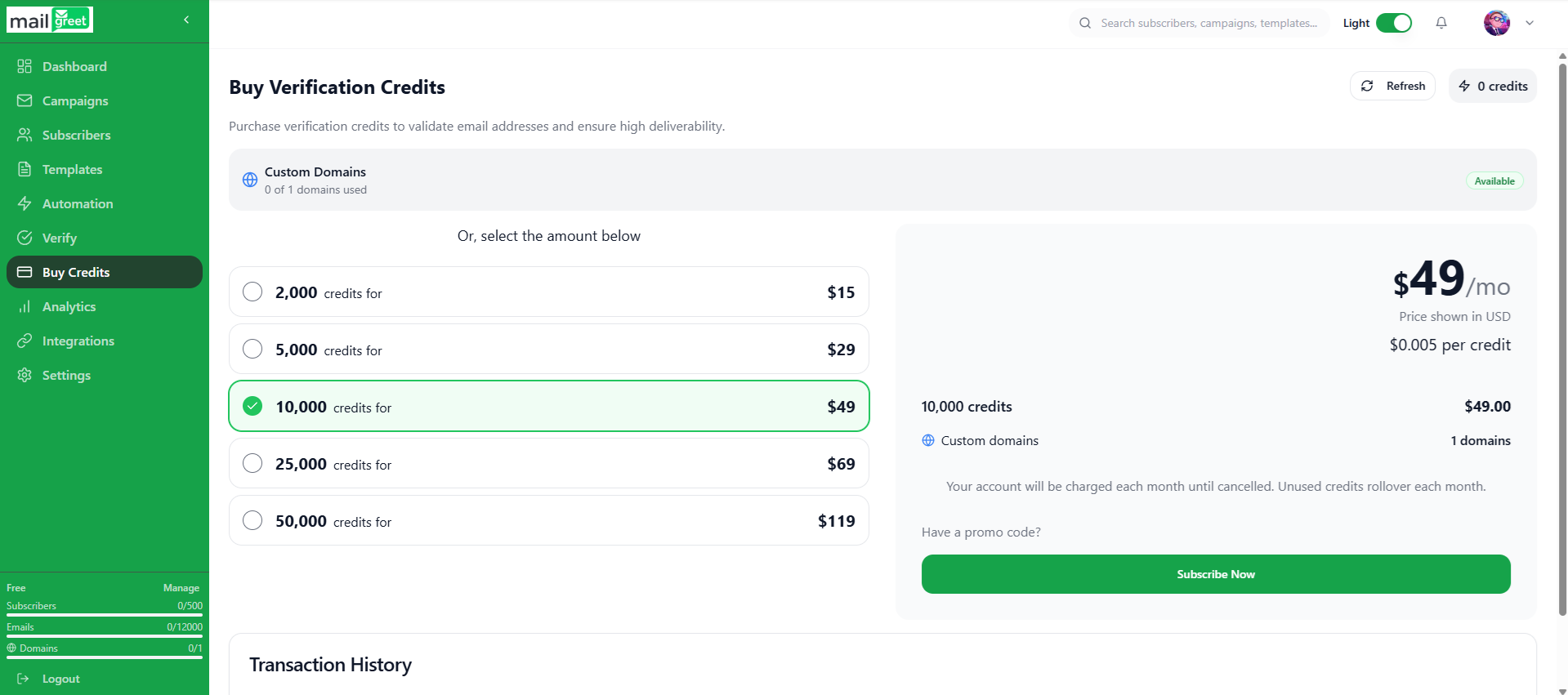
- Choose the number of credits available for particular price tag according to your own needs.
- The available options are:-
- 2,000 credits for $15
- 5,000 credits for $29
- 10,000 credits for $49
- 25,000 credits for $69
- 50,000 credits for $119
- After choosing the appropriate credits option, click on the Subscribe Now button.
- You will be redirected to a payments page.
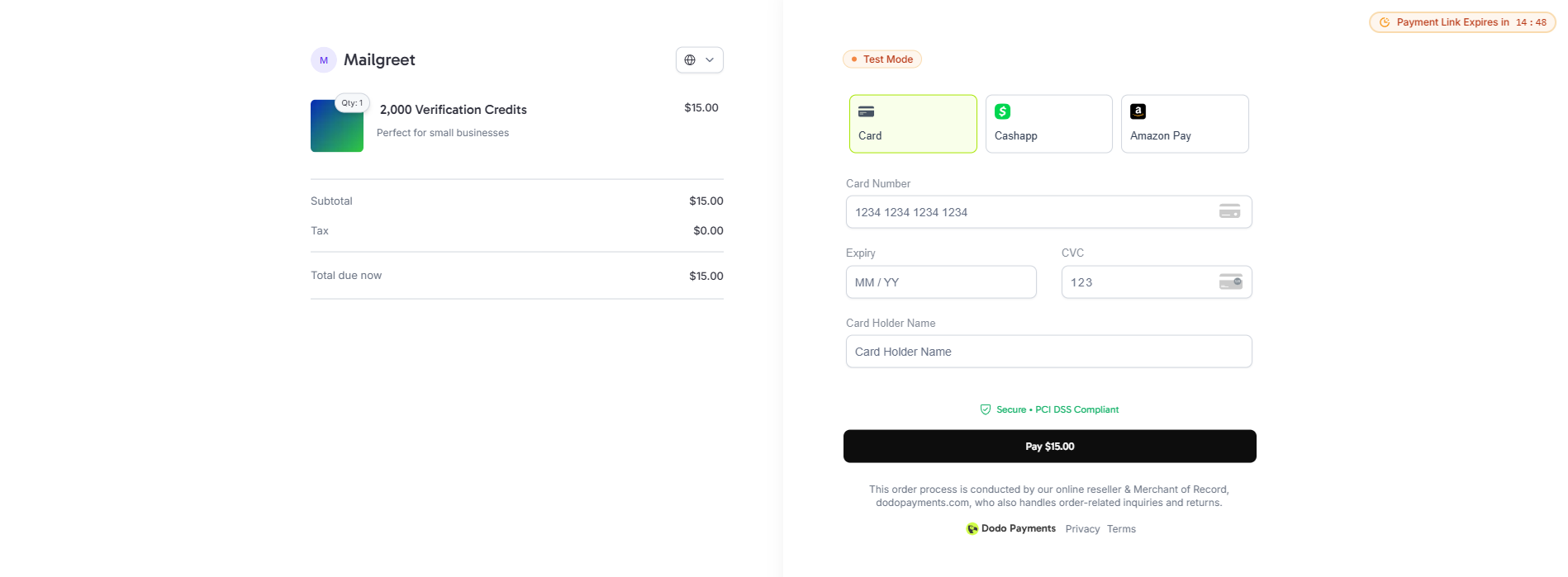
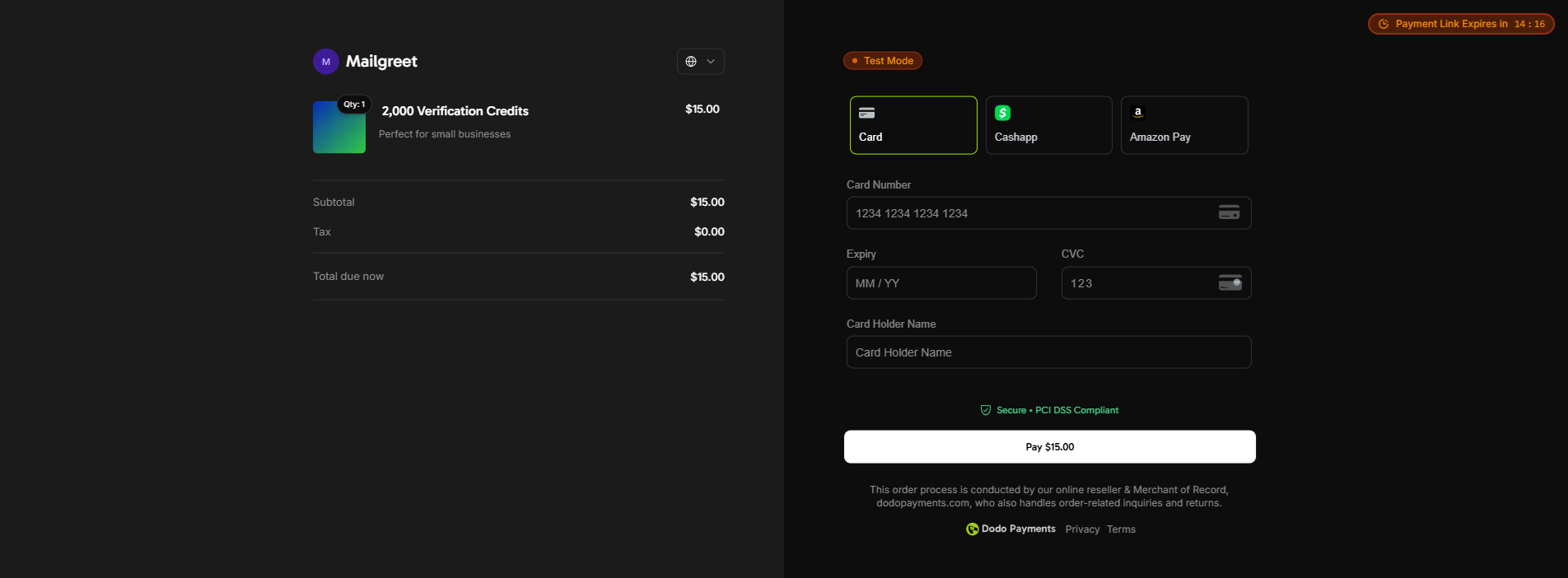
- You can choose various payment options such as credit or debit card, Amazon Pay, or Cashapp.
- Choose appropriate payment options and enter the details.
- Click on the Pay button at the bottom of the page.
- You will be shown a success or failure message as the case may be.
- And you will be redirected to the Verify page of the website.
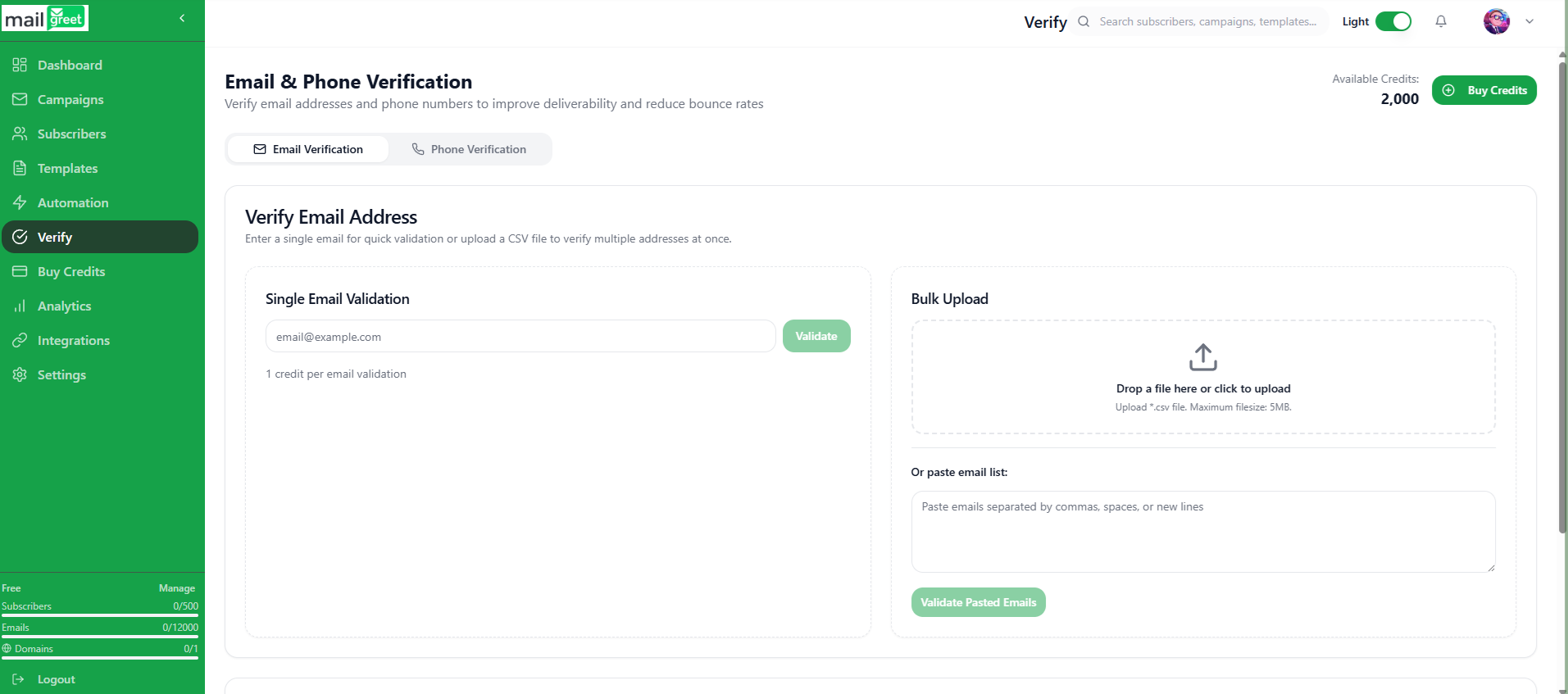
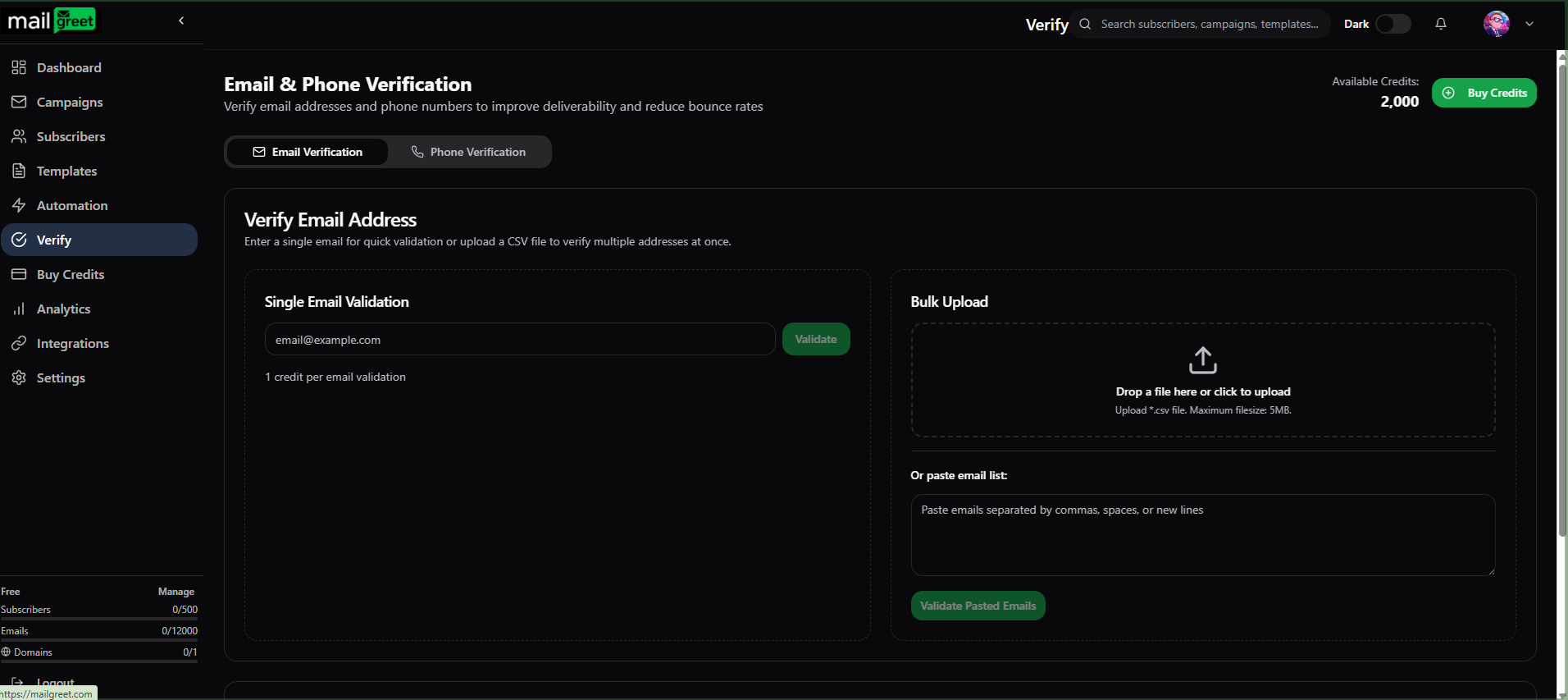
- The number of credits you just purchased will be shown under the Available Credits: left to the Buy Credits button at the top of the webpage.
- If you then verify a single email or phone number, then you will see that your available credits are less by 1 credit.
- Now, you have successfully purchased the credits.