

What is MailGreet?
MailGreet is a powerful email marketing platform designed for businesses and creators who want to connect with their audience effectively. Whether you’re sending newsletters, promotional campaigns, or transactional emails, MailGreet provides everything you need in one intuitive dashboard.Easy to Use
Create beautiful email campaigns in minutes with our drag-and-drop editor
Built for Growth
Scale from hundreds to millions of subscribers with confidence
Deliverability First
Built-in email verification ensures your messages reach the inbox
Real-time Analytics
Track opens, clicks, and engagement with detailed campaign reports
Key Features
📧 Campaign Management
📧 Campaign Management
Create and send professional email campaigns with ease:
- Visual Email Editor: Drag-and-drop builder or HTML editor
- Smart Scheduling: Send at the perfect time for your audience
- A/B Testing: Test subject lines and content to optimize performance
- Campaign Analytics: Track opens, clicks, bounces, and unsubscribes
👥 Subscriber Management
👥 Subscriber Management
Build and organize your email list effectively:
- Easy Imports: Upload CSV files or paste email addresses directly
- Groups & Segments: Organize subscribers by interest, behavior, or custom criteria
- Custom Fields: Store any data you need about your subscribers
- Email Verification: Built-in validation to keep your list clean
🎨 Email Templates
🎨 Email Templates
Design emails that convert:
- Pre-built Templates: Newsletter, marketing, events, and transactional designs
- Block Builder: Create stunning emails without any coding
- HTML Editor: Full control for developers and advanced users
- Responsive Design: Looks perfect on desktop and mobile
✅ Email & Phone Verification
✅ Email & Phone Verification
Keep your lists clean and improve deliverability:
- Single Email Verification: Validate individual addresses instantly
- Bulk Verification: Upload and verify thousands of emails at once
- Phone Verification: Validate phone numbers for SMS campaigns
- Automatic Validation: Verify new subscribers on import
📊 Analytics & Reporting
📊 Analytics & Reporting
Make data-driven decisions:
- Campaign Reports: Detailed performance metrics for every send
- Subscriber Growth: Track your list growth over time
- Engagement Metrics: Identify your most engaged subscribers
- Export Reports: Download data for further analysis
🔌 API & Integrations
🔌 API & Integrations
Connect MailGreet to your existing tools:
- REST API: Full programmatic access to all features
- Webhooks: Real-time event notifications
- API Playground: Test API calls directly from the documentation
- Custom Integrations: Build connections with any platform
Quick Tour
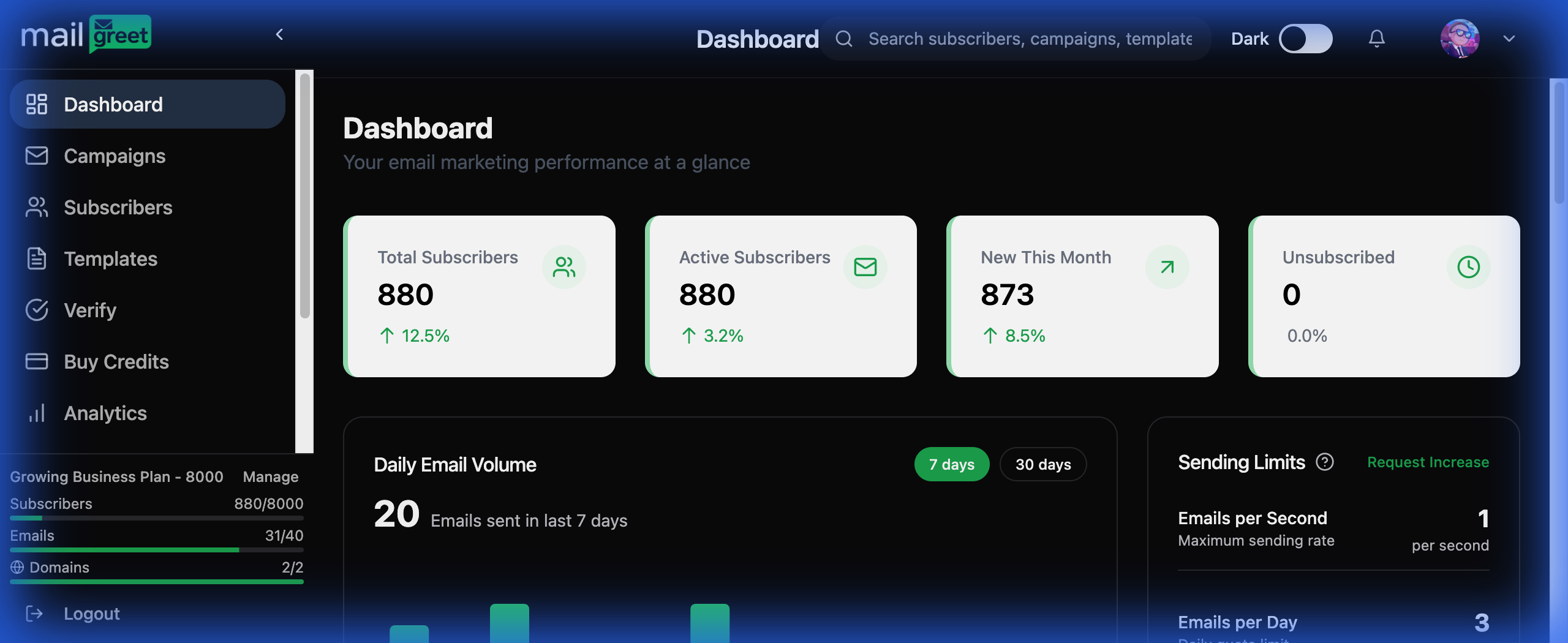
Dashboard Overview
Your dashboard is the command center for your email marketing. At a glance, you can see:- Total Subscribers: Your current list size with growth percentage
- Active Subscribers: Engaged contacts ready to receive emails
- New This Month: Recent subscriber additions
- Daily Email Volume: How many emails you’ve sent recently
- Sending Limits: Your current plan’s email rate limits
Managing Campaigns
The Campaigns page is where you create, schedule, and track your email marketing efforts.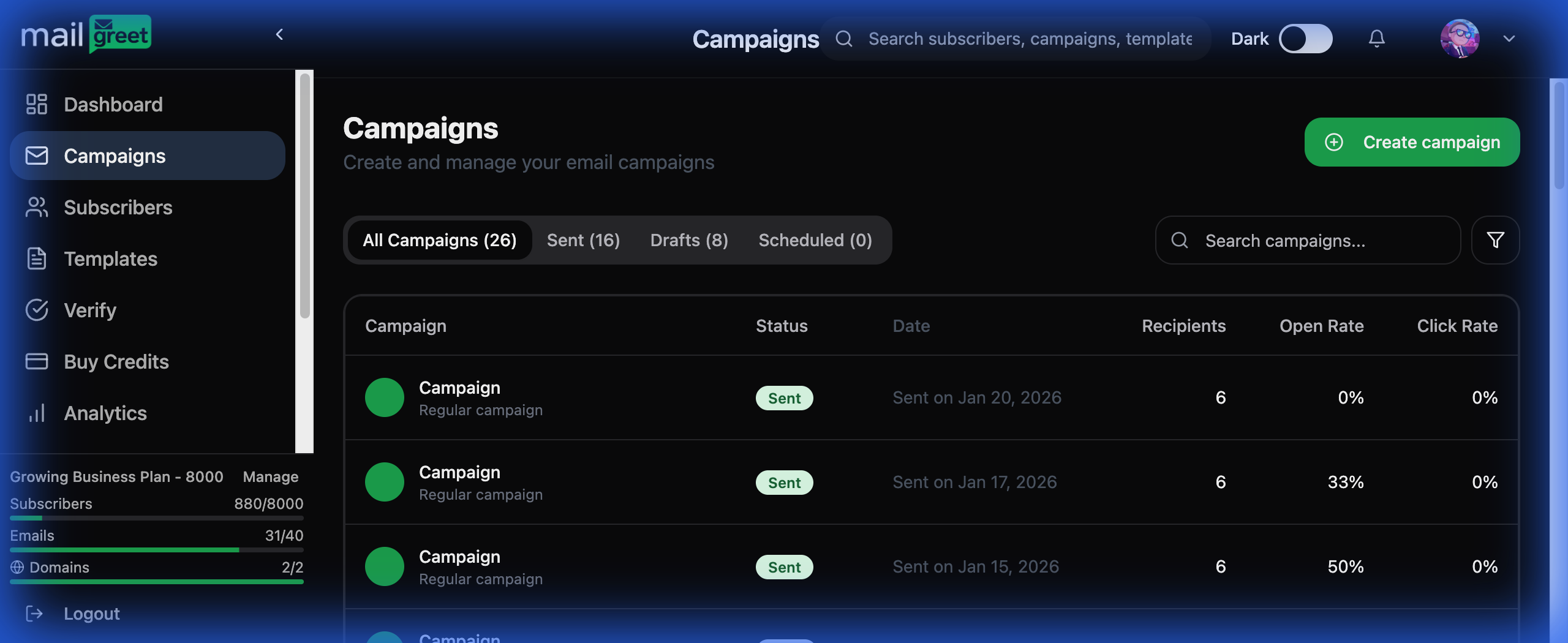
- All Campaigns: View sent, draft, and scheduled campaigns
- Performance Metrics: Track recipients, open rates, and click rates
- Quick Actions: Create new campaigns with one click
- Search & Filter: Find campaigns quickly by name or status
Subscriber Management
Manage your entire audience from the Subscribers page with powerful organization tools.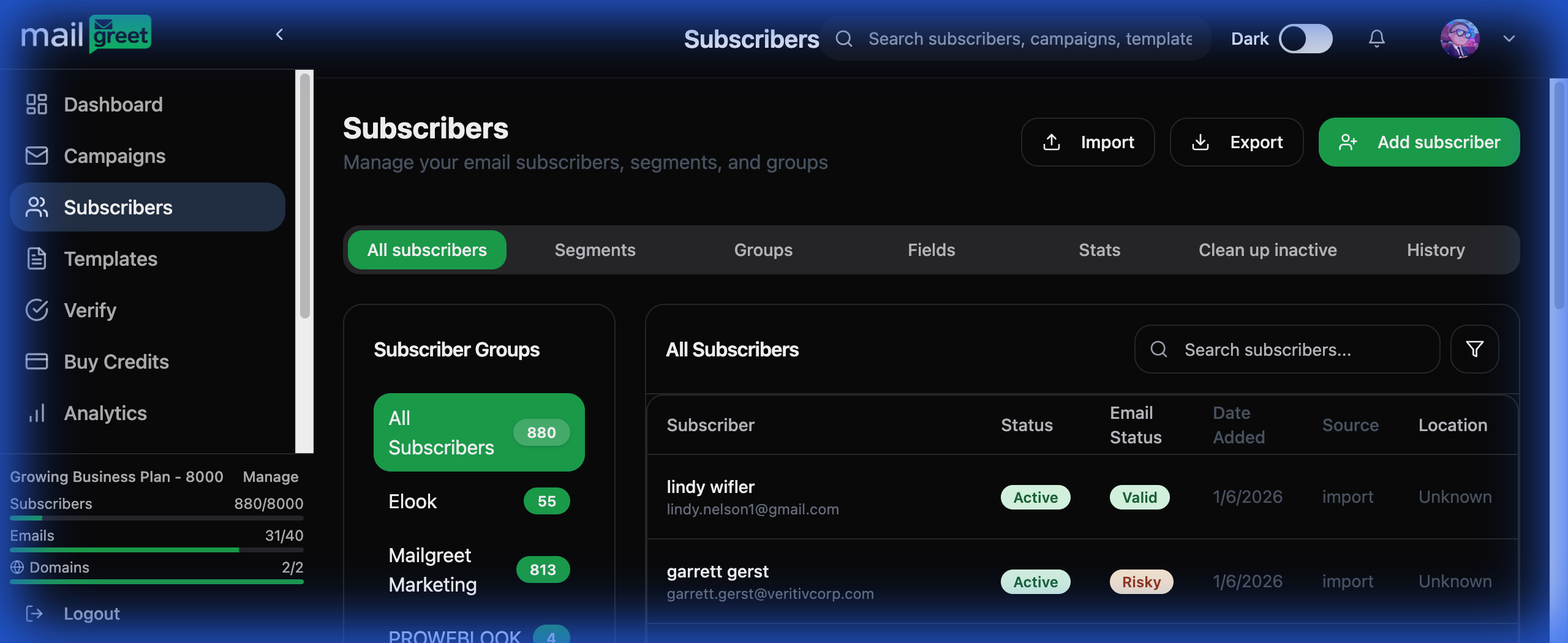
- Subscriber Groups: Organize contacts by category or interest
- All Subscribers View: See everyone with status and email validity
- Segments: Create dynamic lists based on subscriber attributes
- Custom Fields: Store additional information like company or preferences
- Import & Export: Easily move data in and out of MailGreet
Email Templates
Design professional emails with our template system.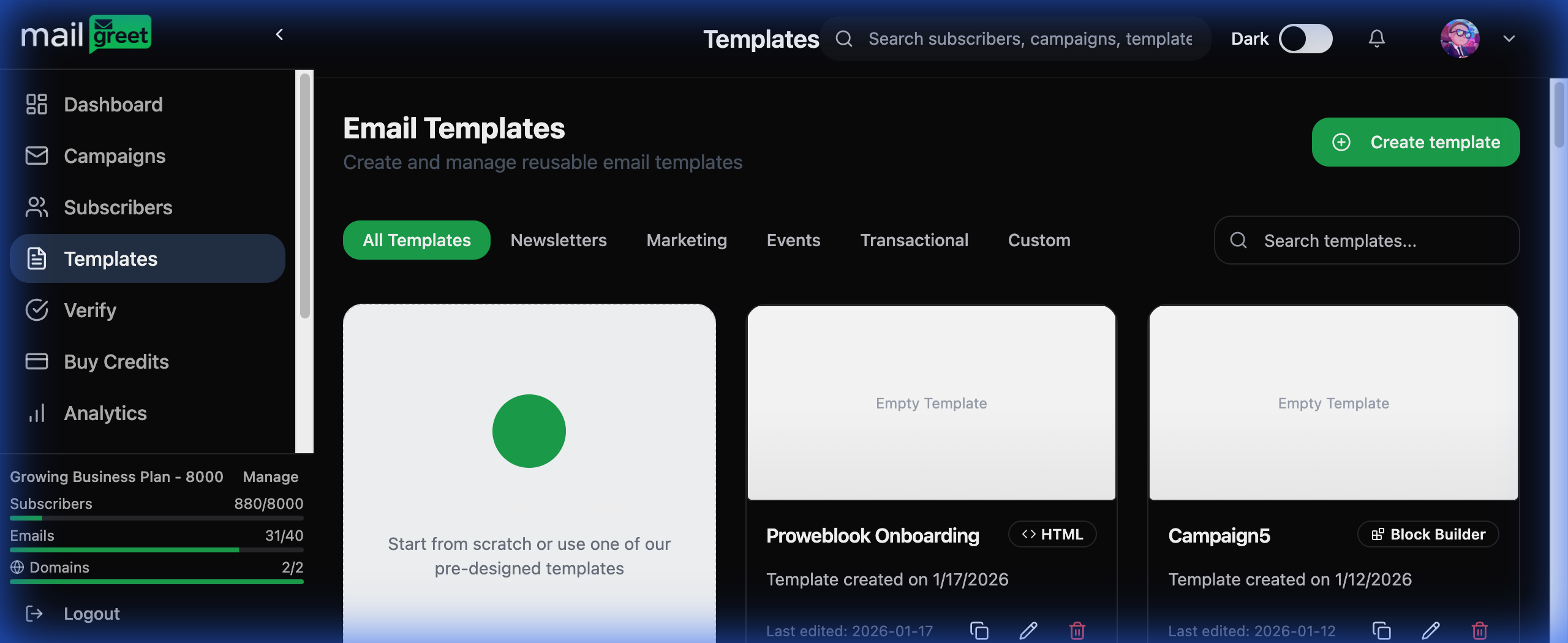
- Template Categories: Newsletter, Marketing, Events, Transactional, Custom
- Block Builder: Visual drag-and-drop email construction
- HTML Editor: Full code access for advanced customization
- Template Library: Start from pre-designed layouts or create from scratch
Pricing Plans
MailGreet offers flexible plans to match your needs:Who Uses MailGreet?
Small Businesses
Manage customer communications and build lasting relationships
Marketing Teams
Run sophisticated email campaigns at scale
E-commerce
Send promotional and transactional emails seamlessly
Content Creators
Build and engage your newsletter audience
Agencies
Manage multiple client accounts efficiently
Developers
Integrate email capabilities via our powerful API
Ready to Get Started?
Create Your Account
Sign up for free and start sending emails in minutes
Quick Start Guide
Learn the basics and send your first campaign
Need Help? Our support team is available at support@mailgreet.com. Check out our detailed guides in the sidebar for step-by-step instructions on every feature.