> ## Documentation Index
> Fetch the complete documentation index at: https://docs.mailgreet.com/llms.txt
> Use this file to discover all available pages before exploring further.
# Setup an Account
> Create your MailGreet account and start sending emails
# Setup Your MailGreet Account
Follow these simple steps to create your MailGreet account and get ready to start your email marketing journey.
## Create Your Account
Go to the [MailGreet website](https://mailgreet.com/) and click the **Sign up free** button at the top of the page.
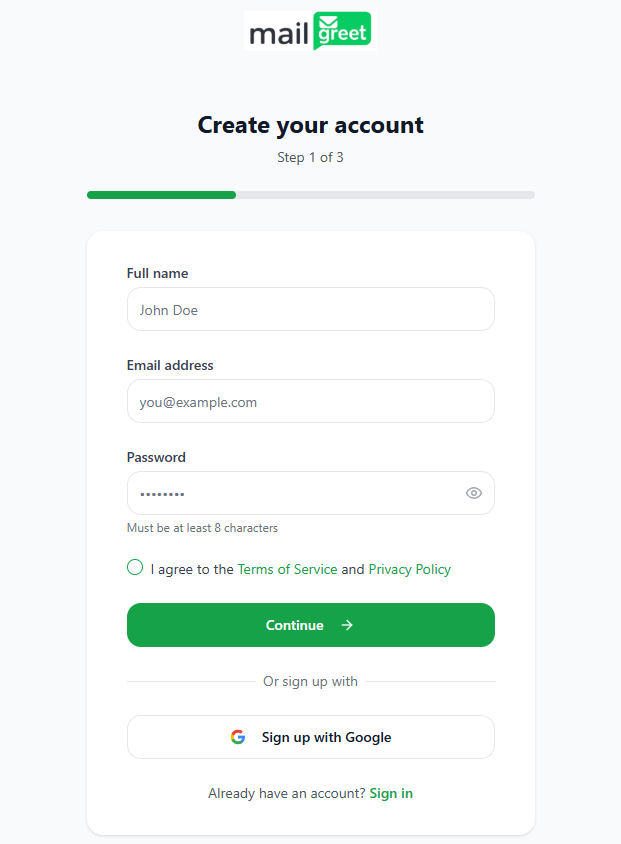
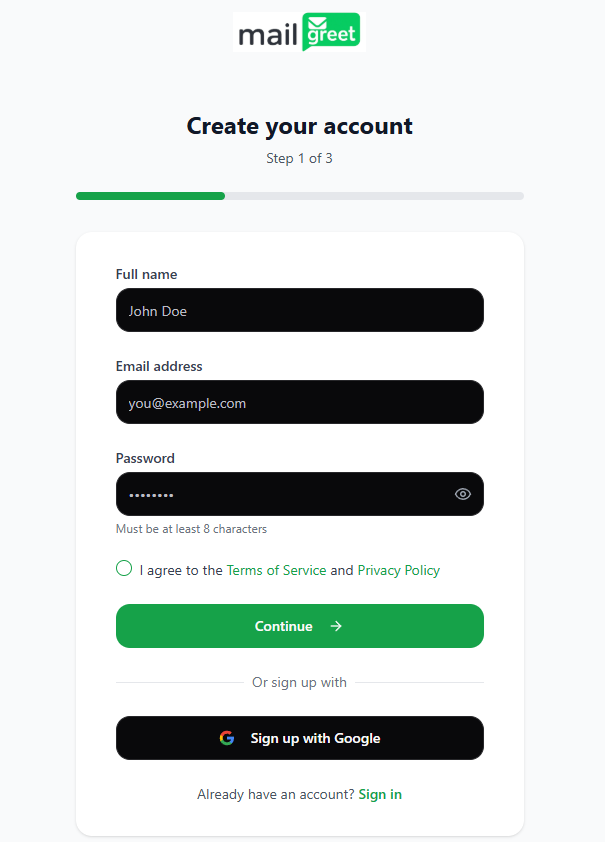
Under the **Create your account** form:
* Enter your **Full name**
* Enter your **Email address**
* Create a secure **Password**
* Accept the **Terms of Service** and **Privacy Policy**
* Click **Continue**
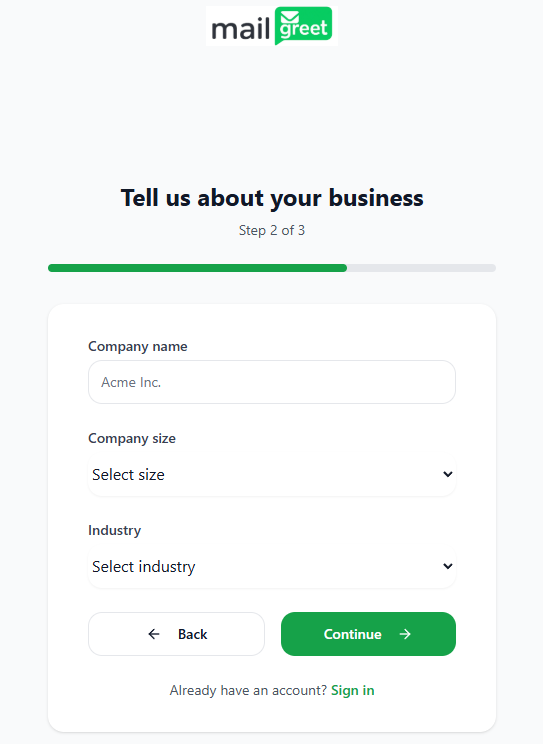
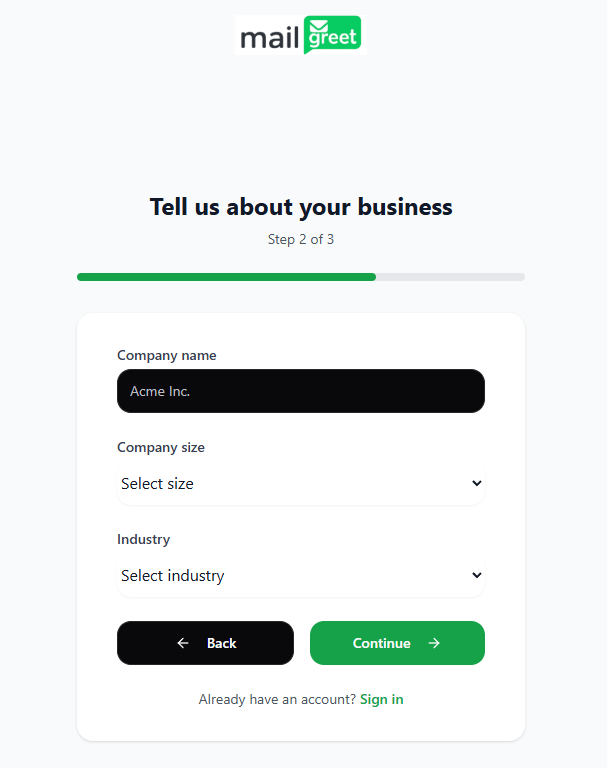
 On the **Tell us about your business** form:
* Enter your **Company name**
* Select your **Company size** from the dropdown
* Choose your **Industry** from the dropdown
* Click **Continue**
On the **Tell us about your business** form:
* Enter your **Company name**
* Select your **Company size** from the dropdown
* Choose your **Industry** from the dropdown
* Click **Continue**
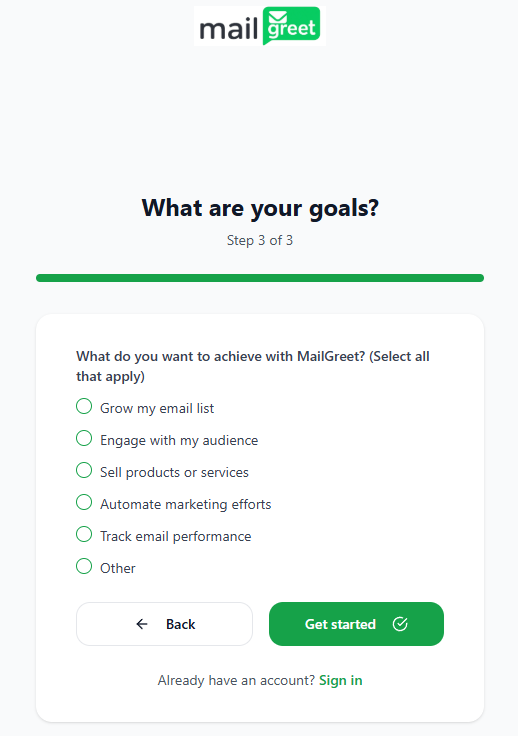
 On the **What are your goals?** form:
* Select one or more options for what you want to achieve with MailGreet
* Click **Get started**
On the **What are your goals?** form:
* Select one or more options for what you want to achieve with MailGreet
* Click **Get started**
 ***
## Confirm Your Email
After completing the signup:
1. Check your email inbox for a confirmation message from MailGreet
2. Click the **Confirm your email** link in the email
3. You'll be redirected to your new MailGreet dashboard
**Don't see the email?** Check your spam folder or [contact support](mailto:support@mailgreet.com).
***
## Alternative Sign-Up Method
**Sign up with Google** - Click the "Continue with Google" button on the signup page for a faster registration process. Your account will be created instantly using your Google profile information.
***
## What's Next?
Your account is now ready! Here's where to go from here:
Learn the basics and send your first email campaign in minutes
Import or add your contacts to start building your audience
Explore pre-designed templates or create your own custom designs
Design and send your first email marketing campaign
***
## Need Assistance?
Can't access your dashboard? Reach out to our support team for help.
Browse our complete documentation for detailed guides on every feature.
***
## Confirm Your Email
After completing the signup:
1. Check your email inbox for a confirmation message from MailGreet
2. Click the **Confirm your email** link in the email
3. You'll be redirected to your new MailGreet dashboard
**Don't see the email?** Check your spam folder or [contact support](mailto:support@mailgreet.com).
***
## Alternative Sign-Up Method
**Sign up with Google** - Click the "Continue with Google" button on the signup page for a faster registration process. Your account will be created instantly using your Google profile information.
***
## What's Next?
Your account is now ready! Here's where to go from here:
Learn the basics and send your first email campaign in minutes
Import or add your contacts to start building your audience
Explore pre-designed templates or create your own custom designs
Design and send your first email marketing campaign
***
## Need Assistance?
Can't access your dashboard? Reach out to our support team for help.
Browse our complete documentation for detailed guides on every feature.