> ## Documentation Index
> Fetch the complete documentation index at: https://docs.mailgreet.com/llms.txt
> Use this file to discover all available pages before exploring further.

# Import Subscribers

> Learn how to import subscribers from CSV files and other sources into MailGreet with field mapping

## Subscribers

## Import Subscribers

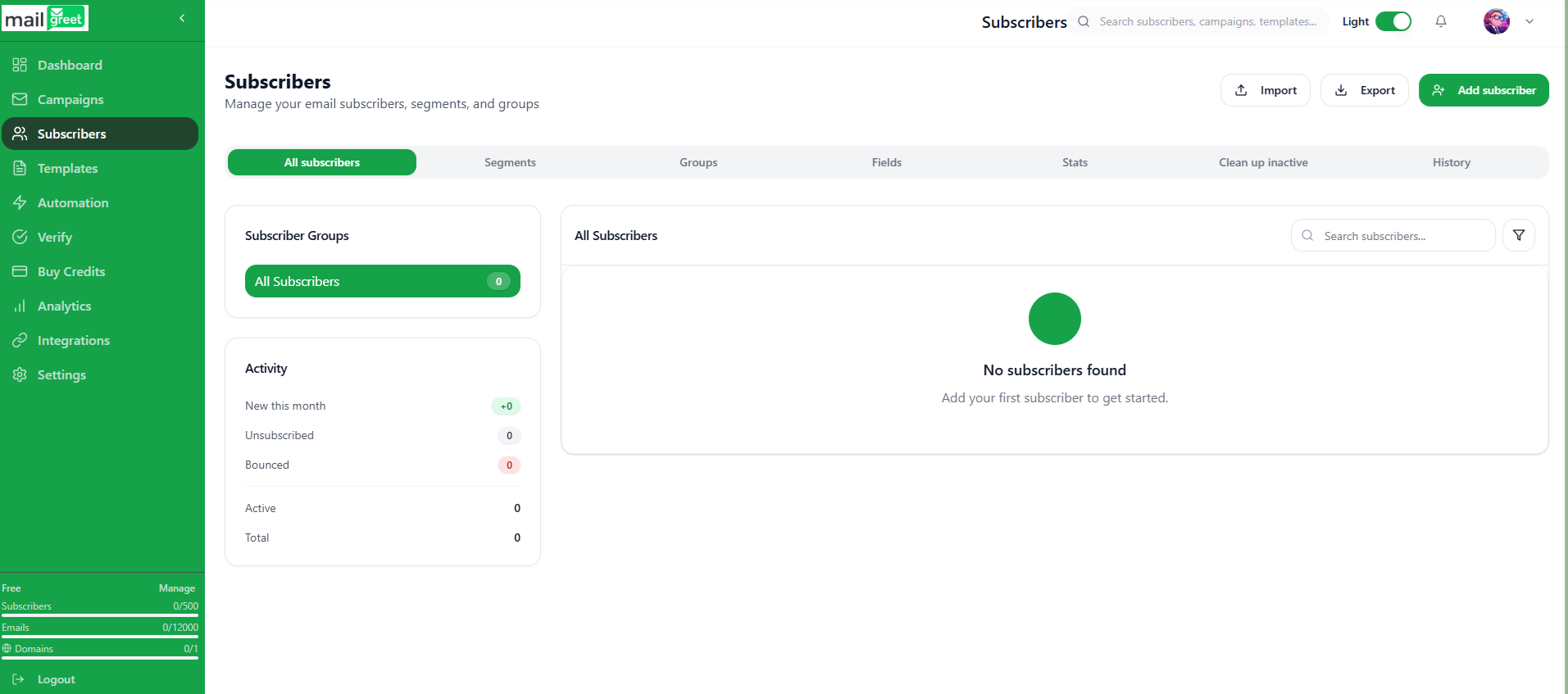
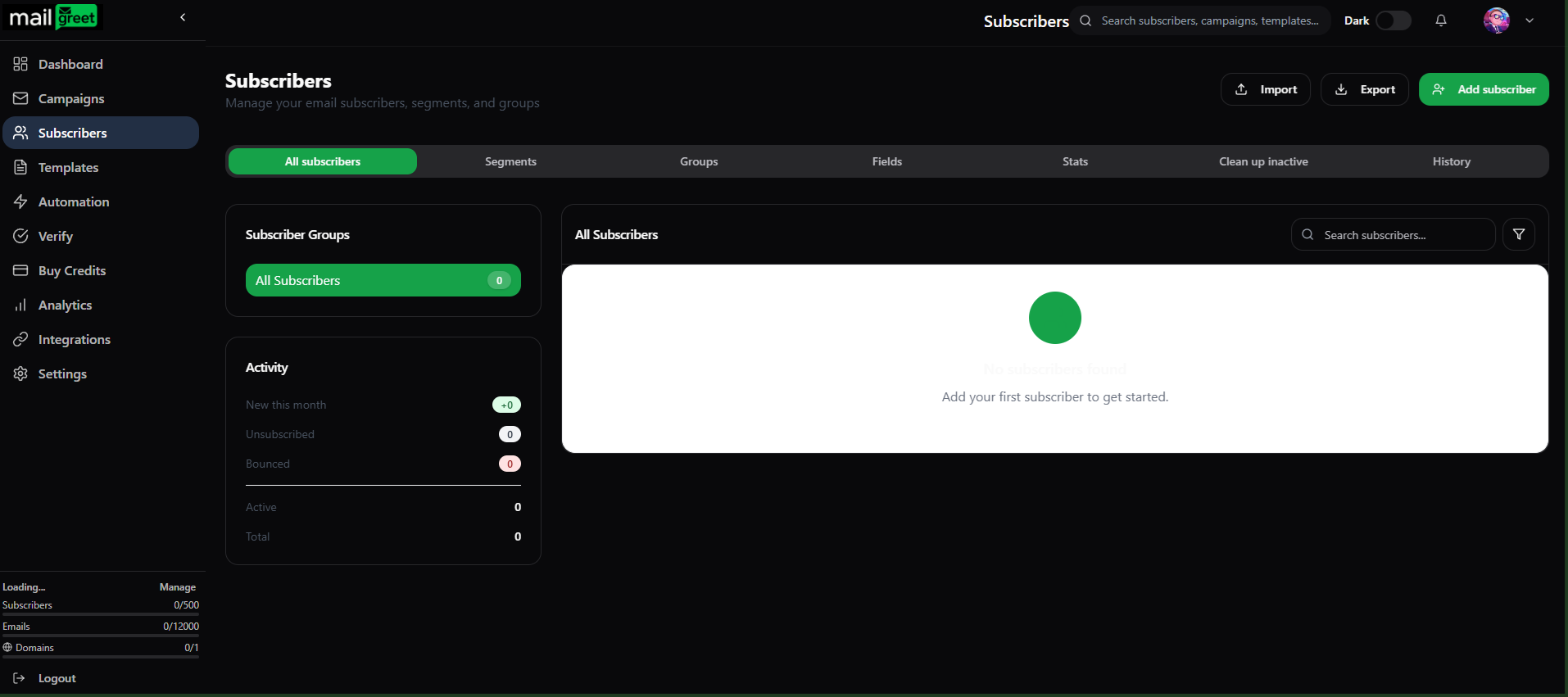
1. Navigate to the [Subscribers](https://mailgreet.com/dashboard/subscribers) page.
<img className="block dark:hidden" src="https://mintcdn.com/mailgreet/xBjw6VY8ANfhCldu/images/subscribers-page-light.png?fit=max&auto=format&n=xBjw6VY8ANfhCldu&q=85&s=65ff2bb118aed2da6914515f46a4a9d7" alt="Subscribers Page Light" width="1913" height="847" data-path="images/subscribers-page-light.png" />

<img className="hidden dark:block" src="https://mintcdn.com/mailgreet/xBjw6VY8ANfhCldu/images/subscribers-page-dark.png?fit=max&auto=format&n=xBjw6VY8ANfhCldu&q=85&s=7b5faf13f1691e671fecd095f18d9636" alt="Subscribers Page Dark" width="1914" height="851" data-path="images/subscribers-page-dark.png" />

2. Click on the **Import** button present at the top below the **Search** field.

<img className="block dark:hidden" src="https://mintcdn.com/mailgreet/1wVM9VudnTQrUgmZ/images/import-button-light.png?fit=max&auto=format&n=1wVM9VudnTQrUgmZ&q=85&s=379f81f05afea03fde169da62a99404f" alt="Import Button Light" width="711" height="163" data-path="images/import-button-light.png" />

<img className="hidden dark:block" src="https://mintcdn.com/mailgreet/1wVM9VudnTQrUgmZ/images/import-button-dark.png?fit=max&auto=format&n=1wVM9VudnTQrUgmZ&q=85&s=a1d4efcf231c10958aa7dab923c0f8a5" alt="Import Button Dark" width="718" height="168" data-path="images/import-button-dark.png" />

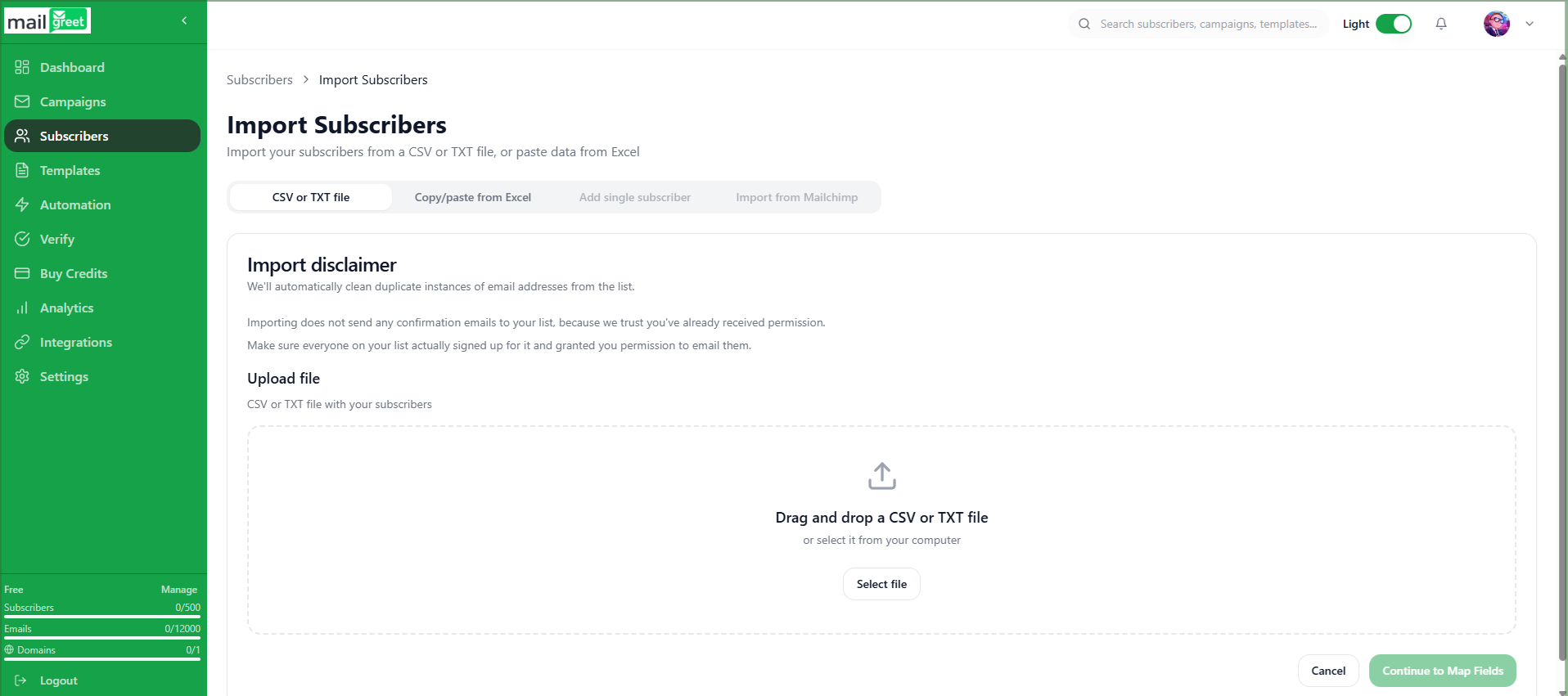
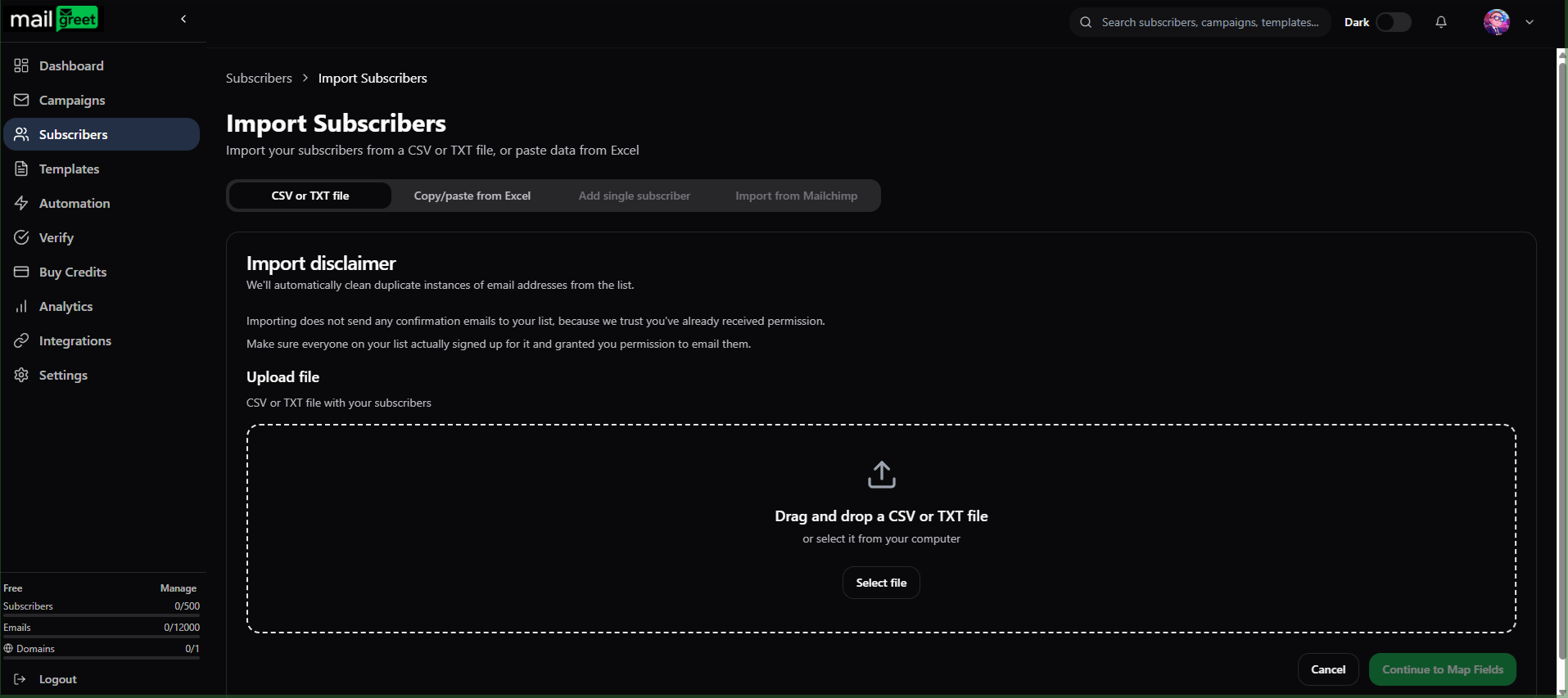
3. You will be redirected to the **Import Subscribers** page.

<img className="block dark:hidden" src="https://mintcdn.com/mailgreet/1wVM9VudnTQrUgmZ/images/import-subscribers-webpage-light.png?fit=max&auto=format&n=1wVM9VudnTQrUgmZ&q=85&s=99e13492e93dd97385227204793b66b8" alt="Import Subscribers Webpage Light" width="1916" height="851" data-path="images/import-subscribers-webpage-light.png" />

<img className="hidden dark:block" src="https://mintcdn.com/mailgreet/1wVM9VudnTQrUgmZ/images/import-subscribers-webpage-dark.png?fit=max&auto=format&n=1wVM9VudnTQrUgmZ&q=85&s=0f62442271d887978a202a31377bcb31" alt="Import Subscribers Webpage Dark" width="1915" height="853" data-path="images/import-subscribers-webpage-dark.png" />

4. You can import subscribers using **two ways**.
5. First, **CSV or TXT file**.
6. Click on the **CSV or TXT file** tab.

<img className="block dark:hidden" src="https://mintcdn.com/mailgreet/1CHQyfjYUVRfvZca/images/csv-tab-light.png?fit=max&auto=format&n=1CHQyfjYUVRfvZca&q=85&s=a25f1c718990fe4a8dec20d680797db8" alt="CSV or TXT File Tab Light" width="817" height="58" data-path="images/csv-tab-light.png" />

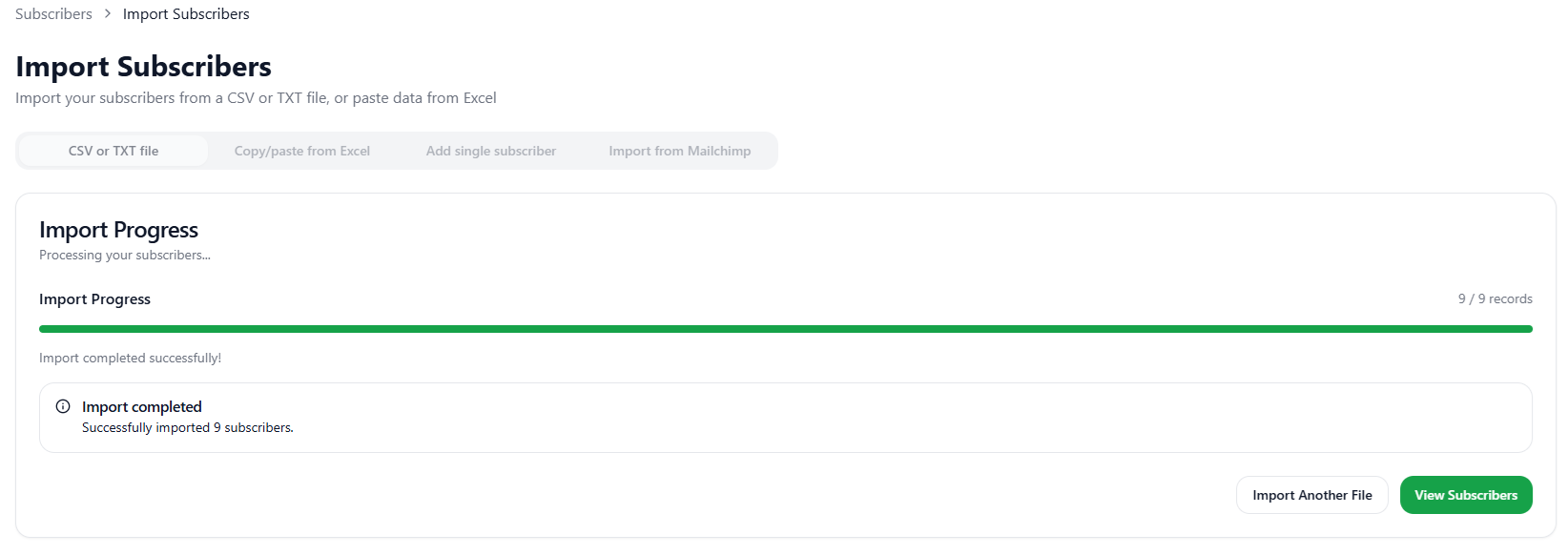
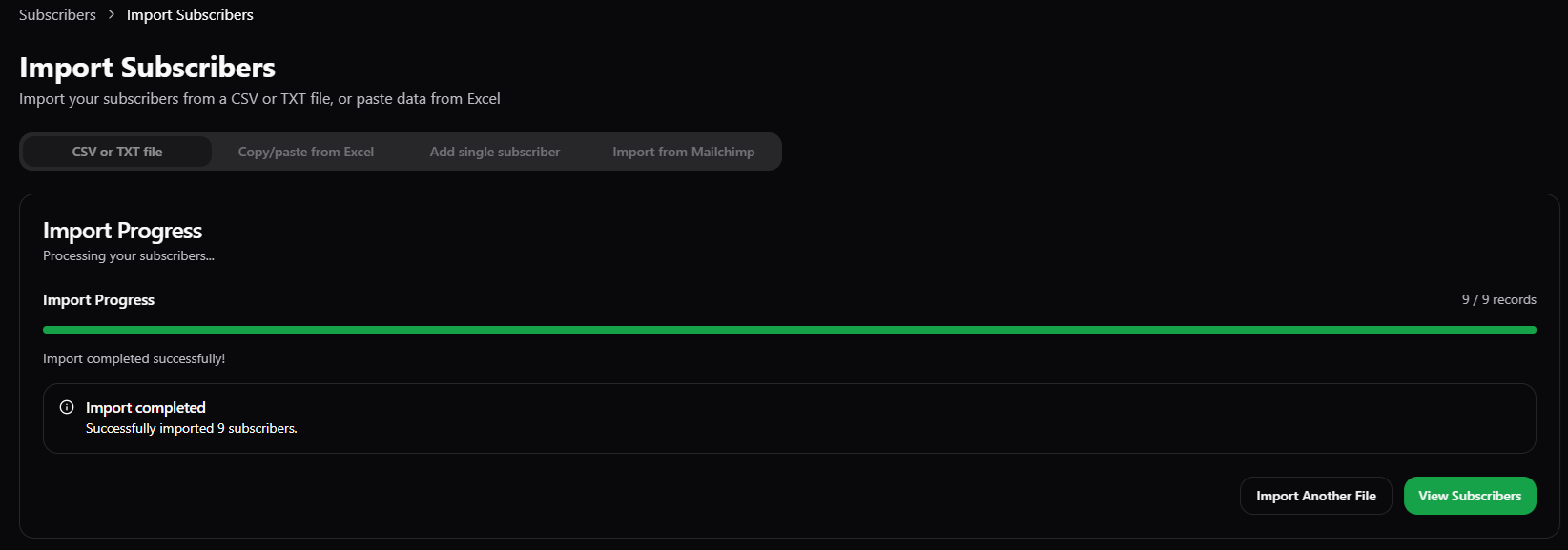
<img className="hidden dark:block" src="https://mintcdn.com/mailgreet/1CHQyfjYUVRfvZca/images/csv-tab-dark.png?fit=max&auto=format&n=1CHQyfjYUVRfvZca&q=85&s=fdabc8240a5ca4d6fbe1bb36f22d1ccd" alt="CSV or TXT File Tab Dark" width="811" height="56" data-path="images/csv-tab-dark.png" />

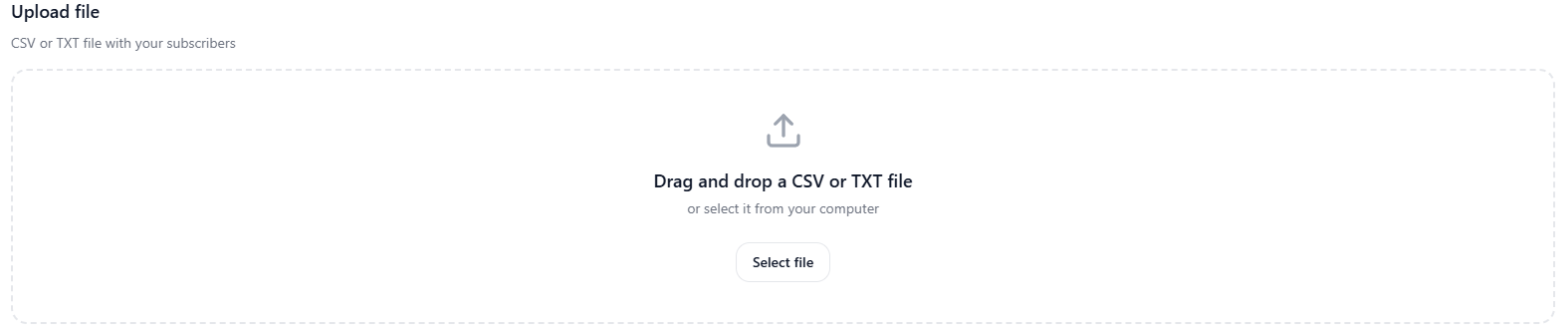
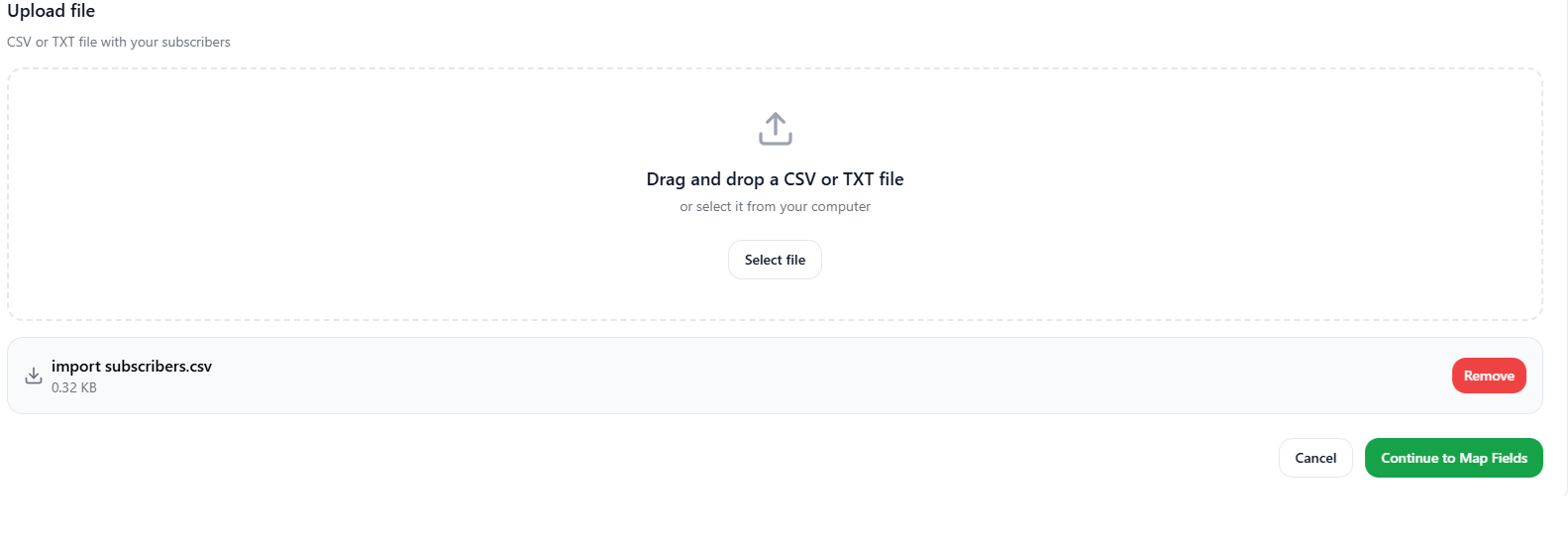
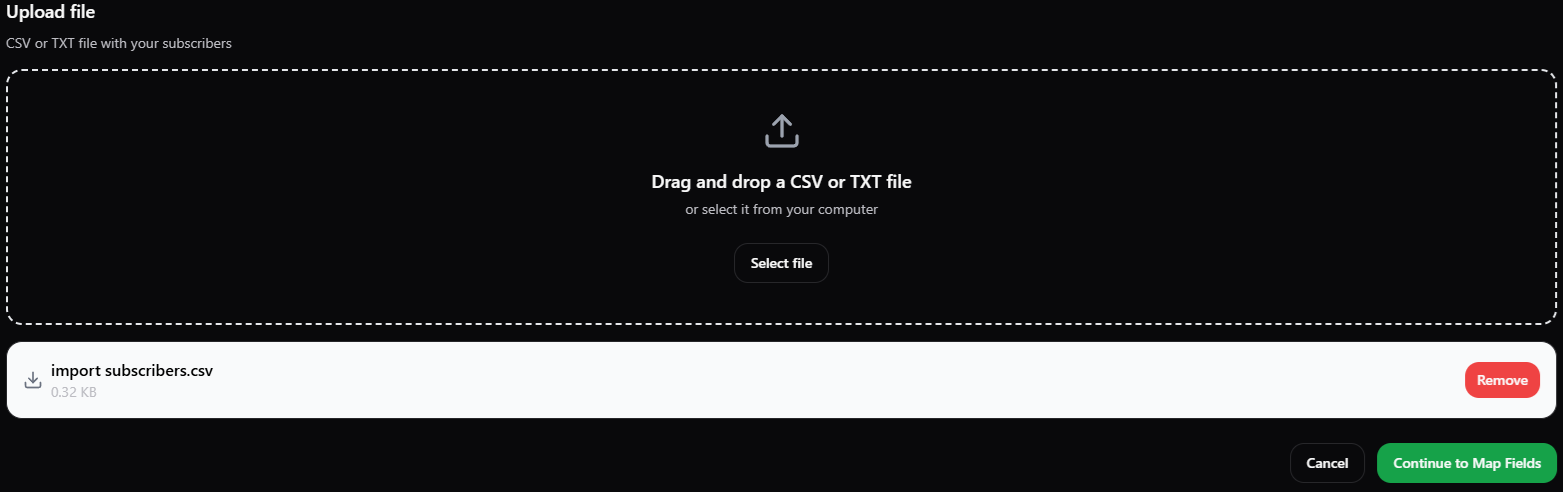
7. Either drag the .csv or .txt file containing subscribers (email addresses) in the **Upload file** section or click on the **Select file** button.

<img className="block dark:hidden" src="https://mintcdn.com/mailgreet/xBjw6VY8ANfhCldu/images/upload-file-light.png?fit=max&auto=format&n=xBjw6VY8ANfhCldu&q=85&s=371d885e5880ff9523fe1eae4f5a618e" alt="Upload File Section Light" width="1575" height="334" data-path="images/upload-file-light.png" />

<img className="hidden dark:block" src="https://mintcdn.com/mailgreet/xBjw6VY8ANfhCldu/images/upload-file-dark.png?fit=max&auto=format&n=xBjw6VY8ANfhCldu&q=85&s=a4bcd63e9d39053e643502a83742d666" alt="Upload File Section Dark" width="1568" height="339" data-path="images/upload-file-dark.png" />

8. Now, click on the **Continue to Map Fields** button.

<img className="block dark:hidden" src="https://mintcdn.com/mailgreet/xBjw6VY8ANfhCldu/images/uploaded-file-light.png?fit=max&auto=format&n=xBjw6VY8ANfhCldu&q=85&s=4414e31981462afbd30d9eb2861e44cc" alt="Uploaded File Section Light" width="1583" height="549" data-path="images/uploaded-file-light.png" />

<img className="hidden dark:block" src="https://mintcdn.com/mailgreet/xBjw6VY8ANfhCldu/images/uploaded-file-dark.png?fit=max&auto=format&n=xBjw6VY8ANfhCldu&q=85&s=23c7d30d1d92fb57f059c8c6523af7aa" alt="Uploaded File Section Dark" width="1563" height="492" data-path="images/uploaded-file-dark.png" />

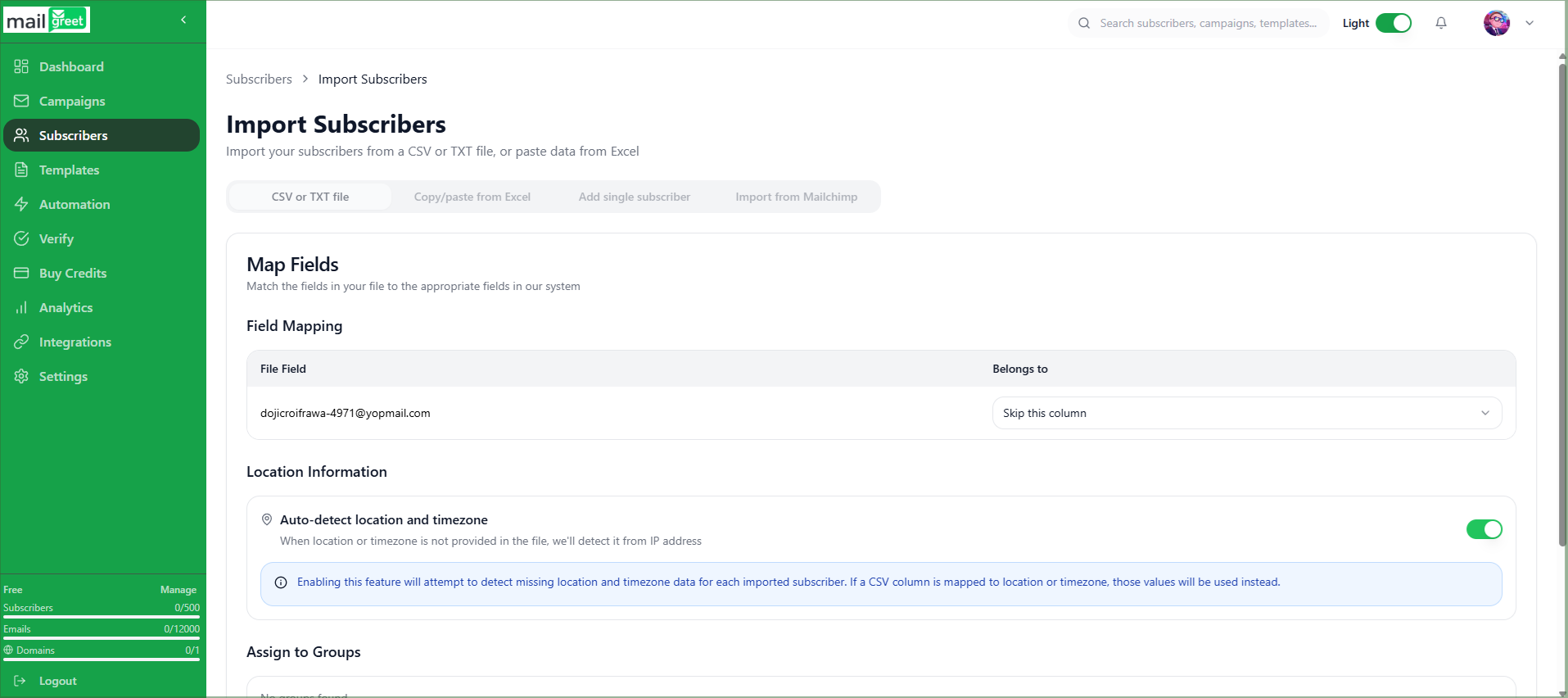
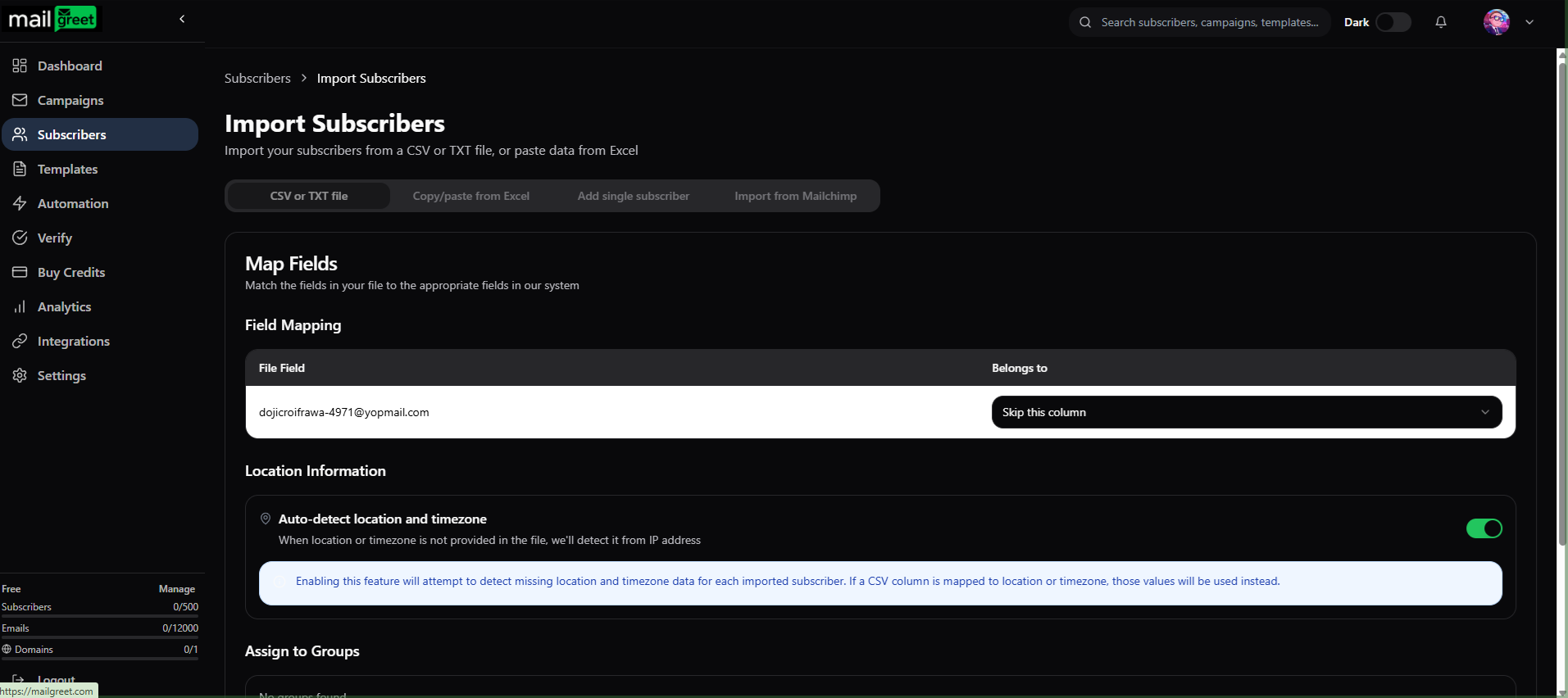
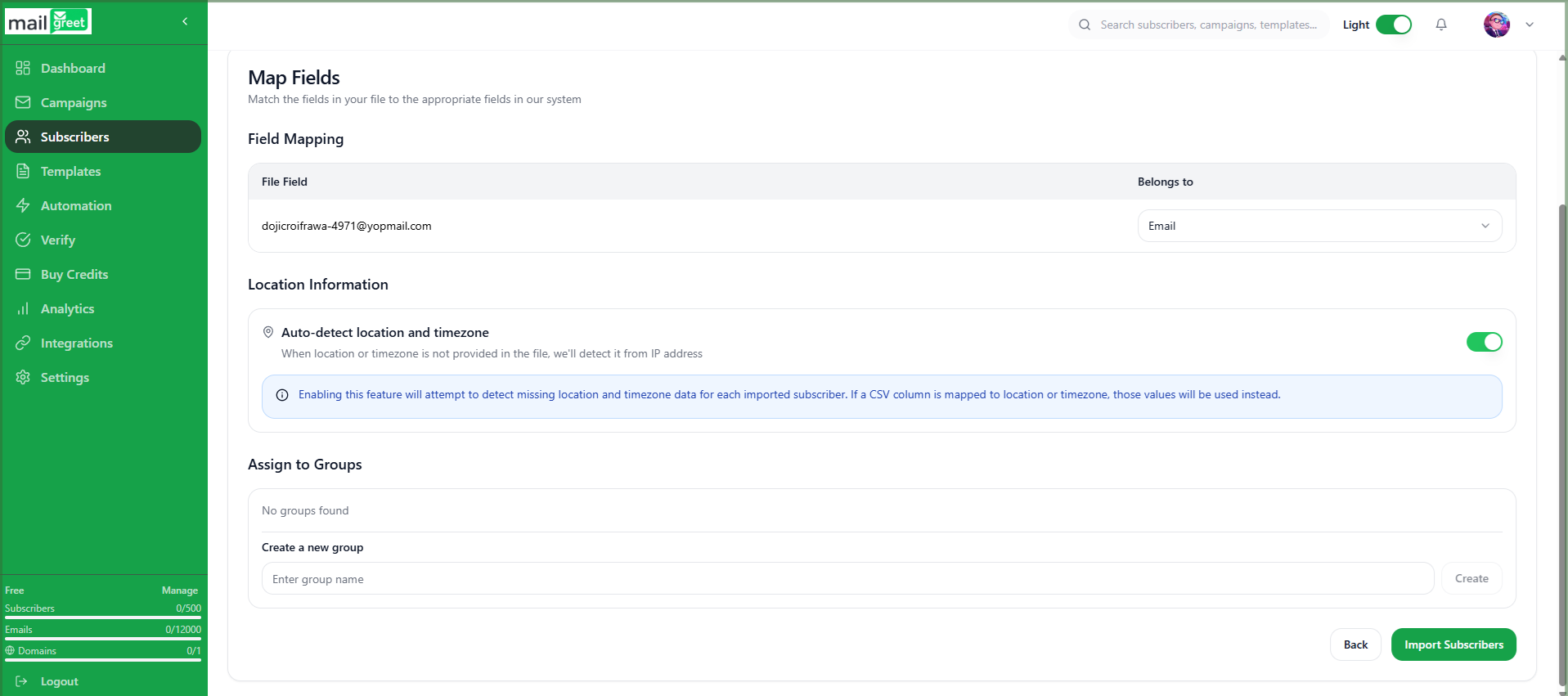
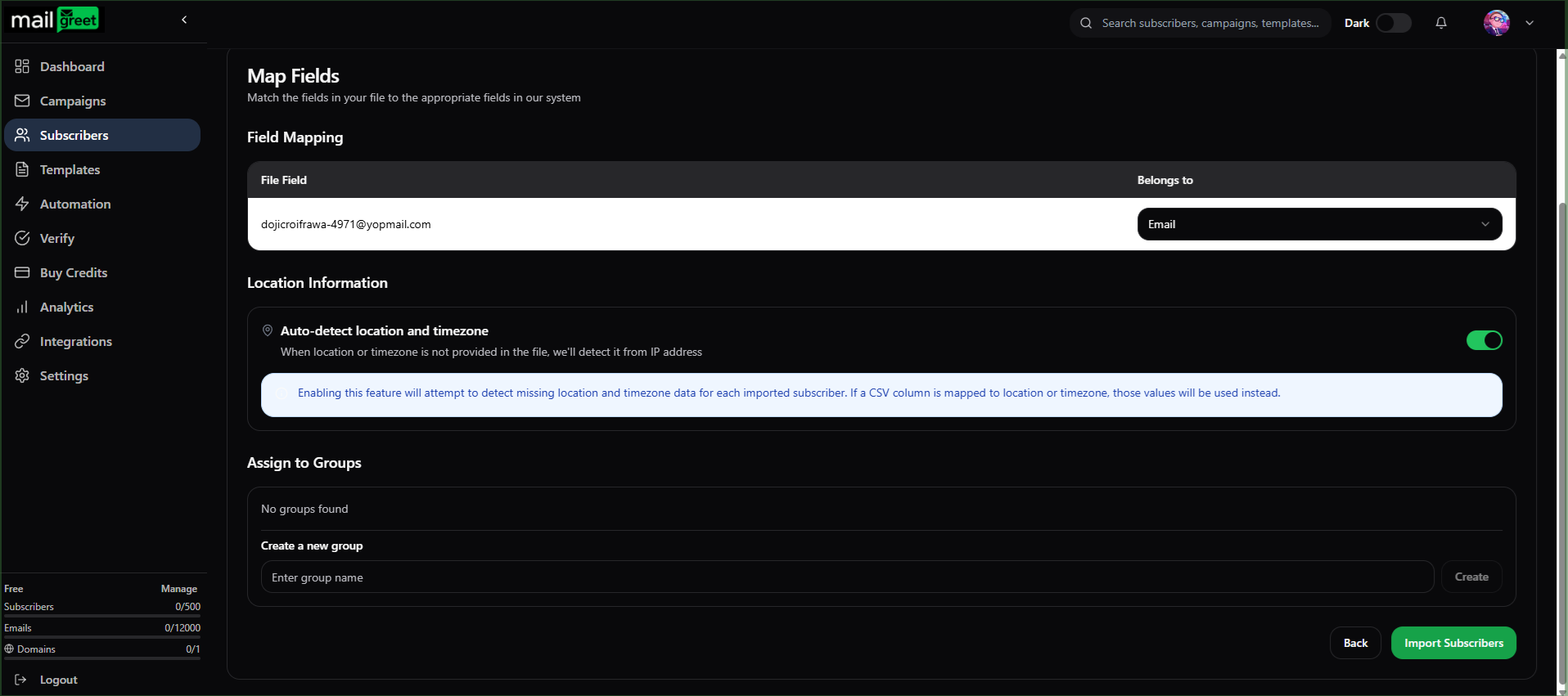
9. You will be redirected to the **Map Fields** section.

<img className="block dark:hidden" src="https://mintcdn.com/mailgreet/1wVM9VudnTQrUgmZ/images/map-fields-section-light.png?fit=max&auto=format&n=1wVM9VudnTQrUgmZ&q=85&s=016e562e0fde57ec70357f4ccebe2554" alt="Map Fields Section Light" width="1915" height="852" data-path="images/map-fields-section-light.png" />

<img className="hidden dark:block" src="https://mintcdn.com/mailgreet/1wVM9VudnTQrUgmZ/images/map-fields-section-dark.png?fit=max&auto=format&n=1wVM9VudnTQrUgmZ&q=85&s=28b6008fab6e4ead967e0bae8869933f" alt="Map Fields Section Dark" width="1913" height="852" data-path="images/map-fields-section-dark.png" />

10. Match the fields in your file to the appropriate fields in your system in the **Field Mapping** section.
11. You have to choose, which column belongs to which field.
12. For example, if you just made a list of email addresses in your .csv file without any heading. Then you have to map this column to the system or custom defined field such as **Email**, **First Name**, **Last Name**, **Status**, **Source**, **Created At**, **Location**, **Timezone**.
13. Or you can skip this field mapping step.
14. Location and Timezone are automatically detected when not provided in the file.
15. You can turn this option on or off.
16. Next is the **Assign to Groups** section.

<img className="block dark:hidden" src="https://mintcdn.com/mailgreet/1CHQyfjYUVRfvZca/images/assign-group-light.png?fit=max&auto=format&n=1CHQyfjYUVRfvZca&q=85&s=07cd3dcf858d956f3caff273182d7562" alt="Assign Group Light" width="1917" height="851" data-path="images/assign-group-light.png" />

<img className="hidden dark:block" src="https://mintcdn.com/mailgreet/1CHQyfjYUVRfvZca/images/assign-group-dark.png?fit=max&auto=format&n=1CHQyfjYUVRfvZca&q=85&s=6a9b1fe5c634687321377f338231ff3c" alt="Assign Group Dark" width="1916" height="851" data-path="images/assign-group-dark.png" />

17. It contains already created groups to which you can assign your imported subscribers list.
18. Or, you can create your own group for the imported subscribers list right in the **Assign to Groups** section.
19. After creating a new group or assigning the list to previously created group, click on the **Import Subscribers** button.
20. After the import progress is complete, click on the **View Subscribers** button.

<img className="block dark:hidden" src="https://mintcdn.com/mailgreet/1wVM9VudnTQrUgmZ/images/import-progress-light.png?fit=max&auto=format&n=1wVM9VudnTQrUgmZ&q=85&s=1a8e1b48903cb6052b4ed442da6329bb" alt="Import Progress Light" width="1644" height="582" data-path="images/import-progress-light.png" />

<img className="hidden dark:block" src="https://mintcdn.com/mailgreet/1wVM9VudnTQrUgmZ/images/import-progress-dark.png?fit=max&auto=format&n=1wVM9VudnTQrUgmZ&q=85&s=6e94f58eee9dca419892e98c2d728d72" alt="Import Progress Dark" width="1644" height="577" data-path="images/import-progress-dark.png" />

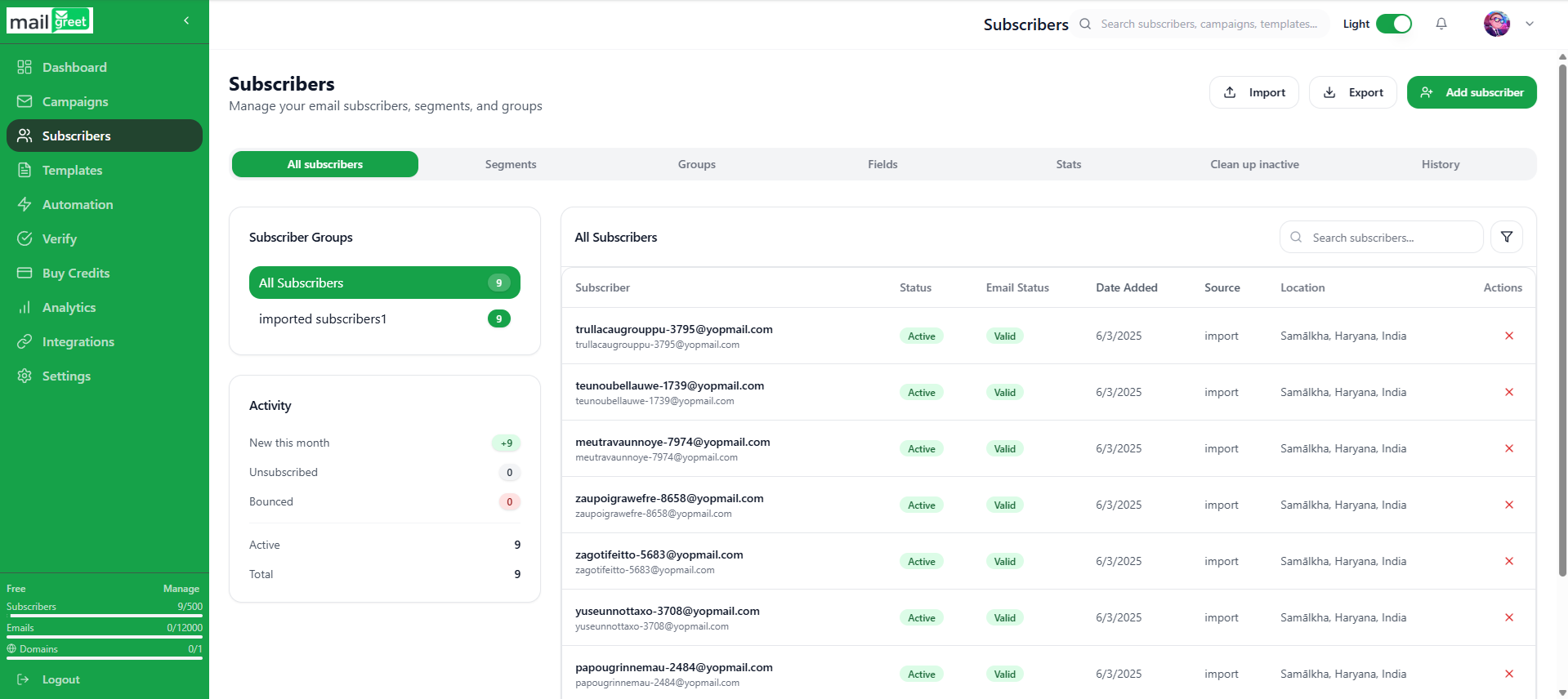
21. You will be redirected to the [Subscribers](https://mailgreet.com/dashboard/subscribers) page.
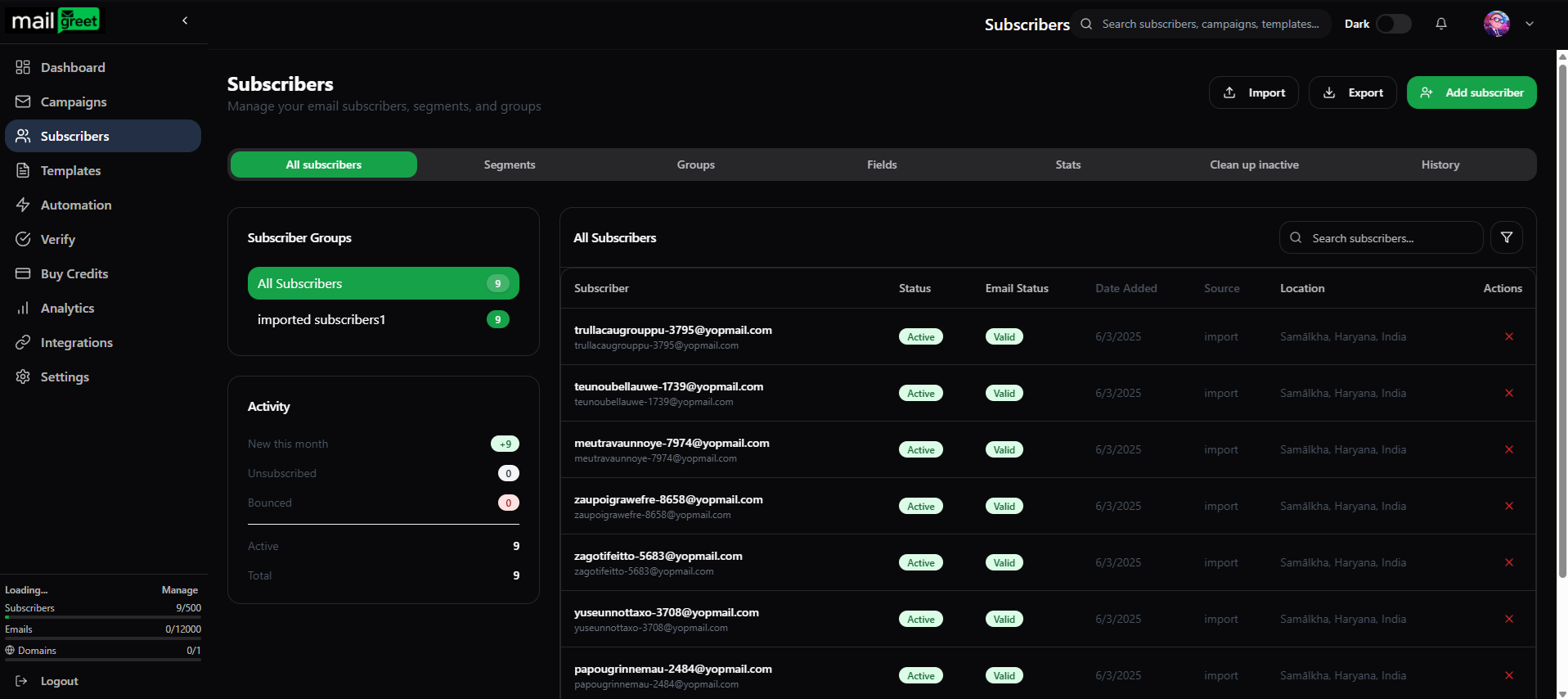
22. Where you will find the imported subscribers in the group chosen or created by you.
23. Now you have successfully imported the subscribers list.
<img className="block dark:hidden" src="https://mintcdn.com/mailgreet/1wVM9VudnTQrUgmZ/images/imported-subscribers-light.png?fit=max&auto=format&n=1wVM9VudnTQrUgmZ&q=85&s=5968f395984591740512ea41f68554ba" alt="Imported Subscribers Light" width="1919" height="856" data-path="images/imported-subscribers-light.png" />

<img className="hidden dark:block" src="https://mintcdn.com/mailgreet/1wVM9VudnTQrUgmZ/images/imported-subscribers-dark.png?fit=max&auto=format&n=1wVM9VudnTQrUgmZ&q=85&s=9e16b11d415086fa8bb708a7e485c1bc" alt="Imported Subscribers Dark" width="1917" height="854" data-path="images/imported-subscribers-dark.png" />