> ## Documentation Index
> Fetch the complete documentation index at: https://docs.mailgreet.com/llms.txt
> Use this file to discover all available pages before exploring further.

# Export Subscribers

> Export your MailGreet subscriber list to CSV file for backup, analysis, or use in other applications

## Subscribers

## Export Subscribers

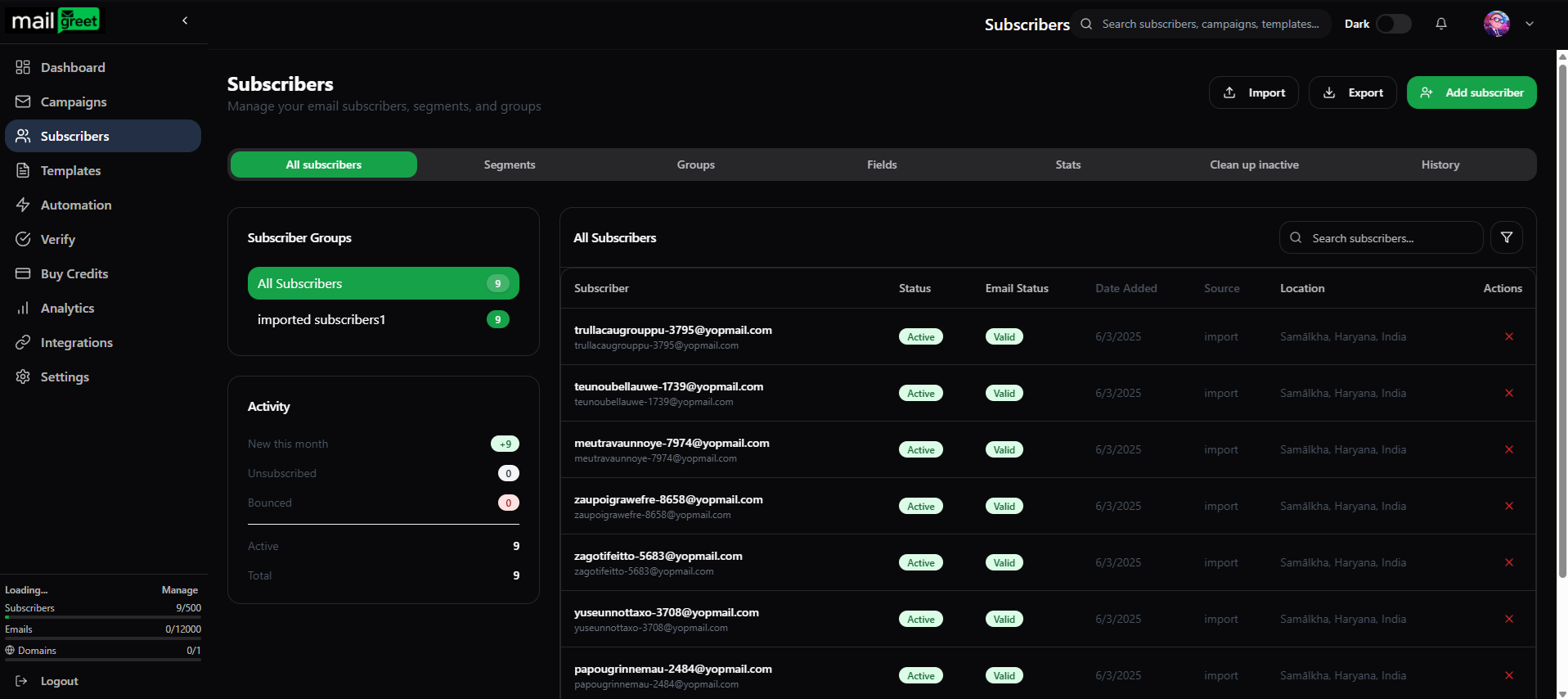
1. Navigate to the [Subscribers](https://mailgreet.com/dashboard/subscribers) page.
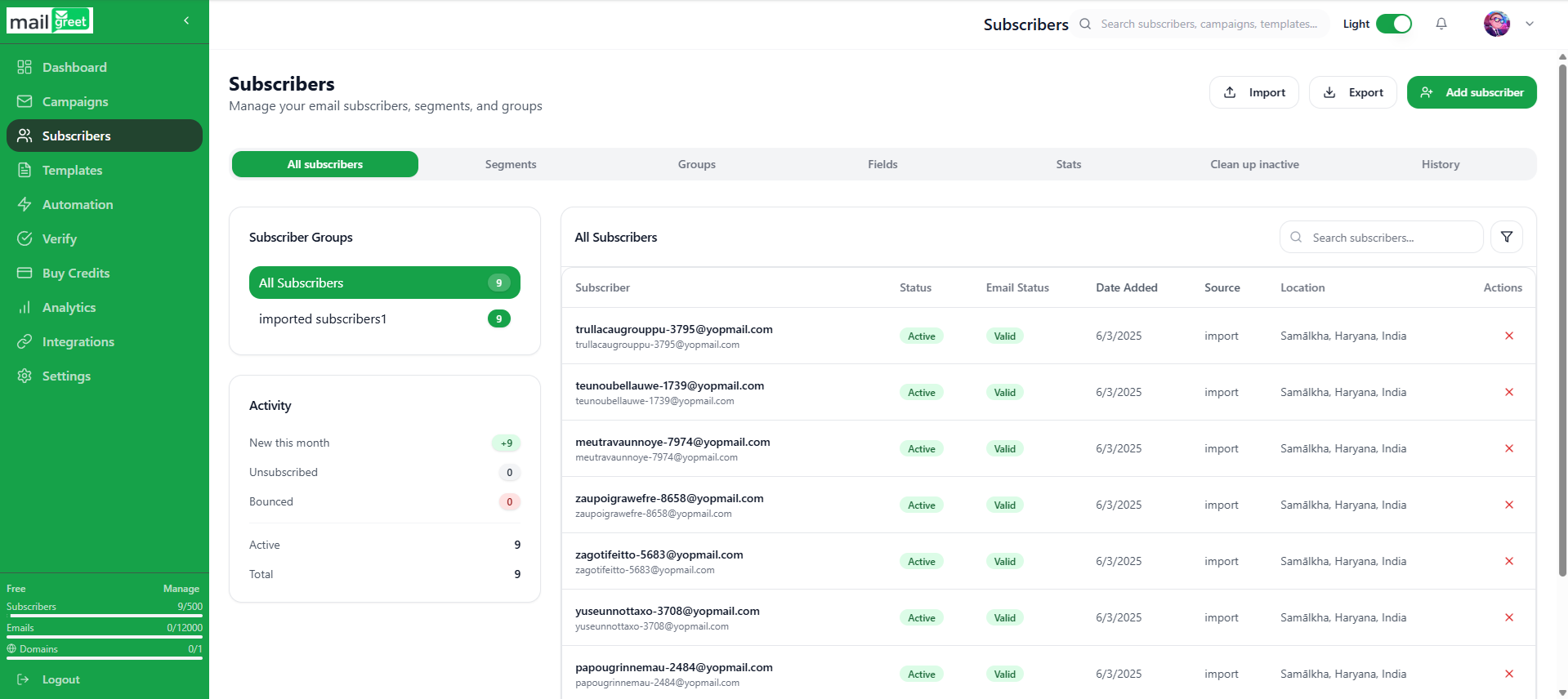
<img className="block dark:hidden" src="https://mintcdn.com/mailgreet/1wVM9VudnTQrUgmZ/images/imported-subscribers-light.png?fit=max&auto=format&n=1wVM9VudnTQrUgmZ&q=85&s=5968f395984591740512ea41f68554ba" alt="Exported Subscribers Light" width="1919" height="856" data-path="images/imported-subscribers-light.png" />

<img className="hidden dark:block" src="https://mintcdn.com/mailgreet/1wVM9VudnTQrUgmZ/images/imported-subscribers-dark.png?fit=max&auto=format&n=1wVM9VudnTQrUgmZ&q=85&s=9e16b11d415086fa8bb708a7e485c1bc" alt="Exported Subscribers Dark" width="1917" height="854" data-path="images/imported-subscribers-dark.png" />

2. Click on the **Export** button present at the top below the **Search** field.

<img className="block dark:hidden" src="https://mintcdn.com/mailgreet/1wVM9VudnTQrUgmZ/images/import-button-light.png?fit=max&auto=format&n=1wVM9VudnTQrUgmZ&q=85&s=379f81f05afea03fde169da62a99404f" alt="Export Button Light" width="711" height="163" data-path="images/import-button-light.png" />

<img className="hidden dark:block" src="https://mintcdn.com/mailgreet/1wVM9VudnTQrUgmZ/images/import-button-dark.png?fit=max&auto=format&n=1wVM9VudnTQrUgmZ&q=85&s=a1d4efcf231c10958aa7dab923c0f8a5" alt="Export Button Dark" width="718" height="168" data-path="images/import-button-dark.png" />

3. You will see the subscribers list got downloaded automatically in the **.csv format** file.